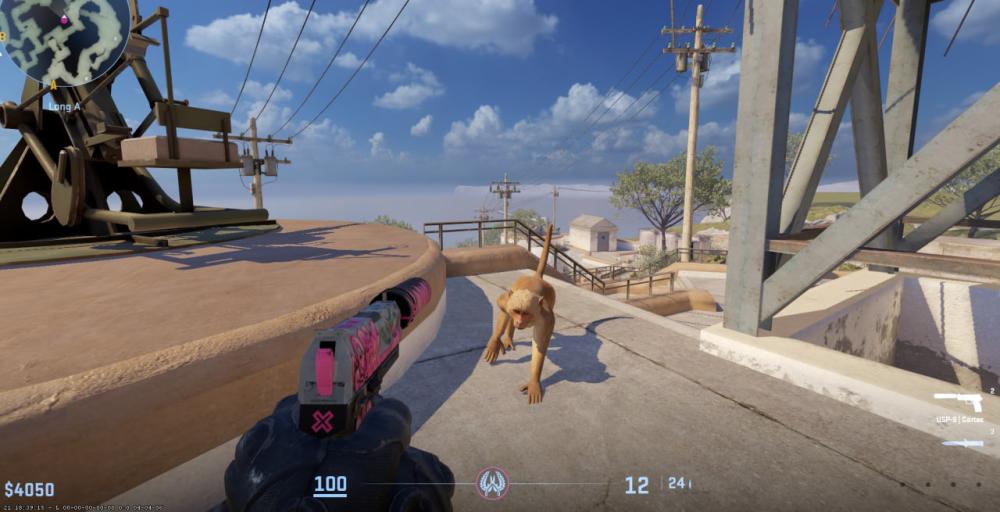

How to Play CS2 on Mac
Because there is no native client, you will have to rely on workarounds to get the game running. The method you choose depends heavily on the type of Mac you own.
Boot Camp Assistant (Best for Intel Macs)
If you are running an older, Intel-based Mac, this is your best option by far. Boot Camp Assistant allows you to partition your hard drive and install a native version of Windows.
Because the game runs natively on the Windows operating system rather than through an emulator, you get the highest possible frame rates and the lowest input lag.
The process: Open Boot Camp Assistant on your Mac, follow the prompts to allocate drive space, and install a legitimate copy of Windows. Once booted into Windows, download Steam, install CS2, and launch the game.
CrossOver (Best for Apple Silicon)
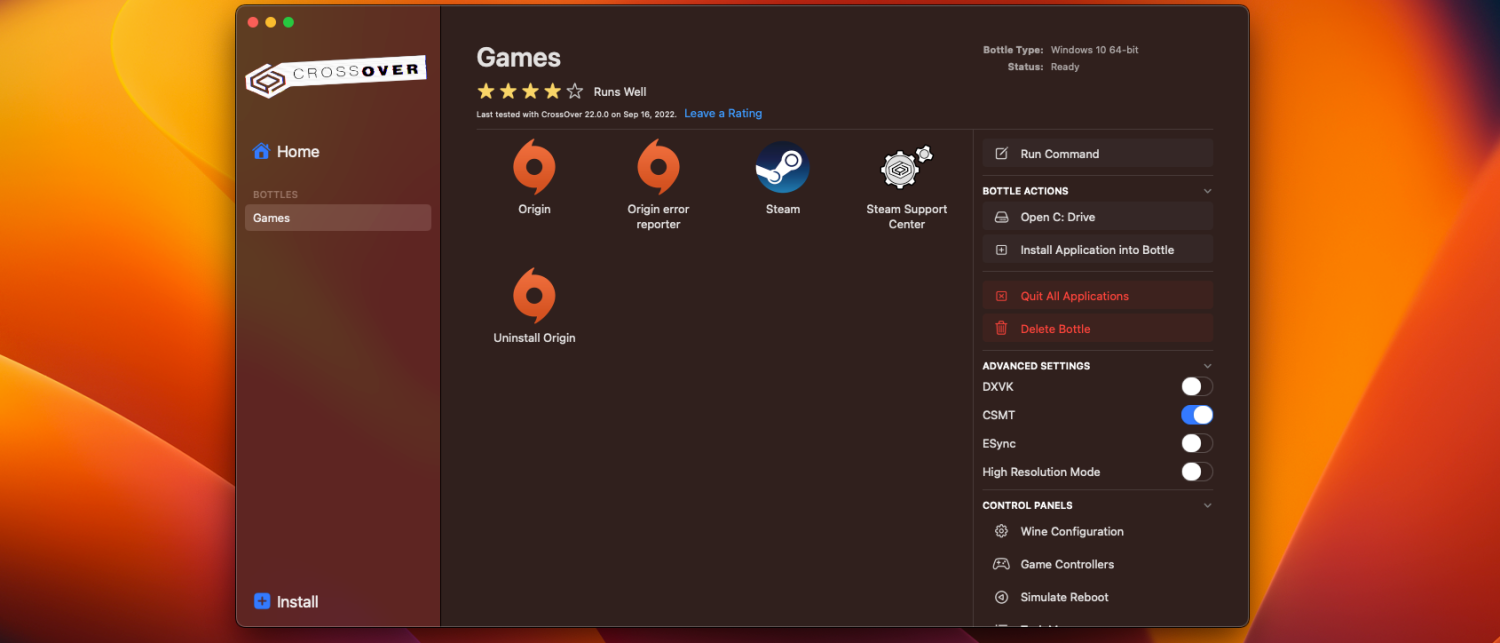
If you have a newer Mac with an M-series chip (Apple Silicon), Boot Camp is no longer an option. Instead, you can use a compatibility layer like CrossOver. This software translates Windows commands into Mac commands in real-time.
It is a paid application, but it is currently the most reliable way to play CS2 on modern Mac hardware.
The process: Install CrossOver and locate Counter-Strike 2 within the application. Download the game through Steam and then completely close the app. In CrossOver’s settings, ensure that both D3DMetal and MSync are enabled for Steam. Relaunch Steam, and you are ready to play. (Note: CodeWeavers states that you need at least CrossOver 23.5 and macOS Sonoma to run this smoothly).
Virtual Machines (Parallels Desktop)
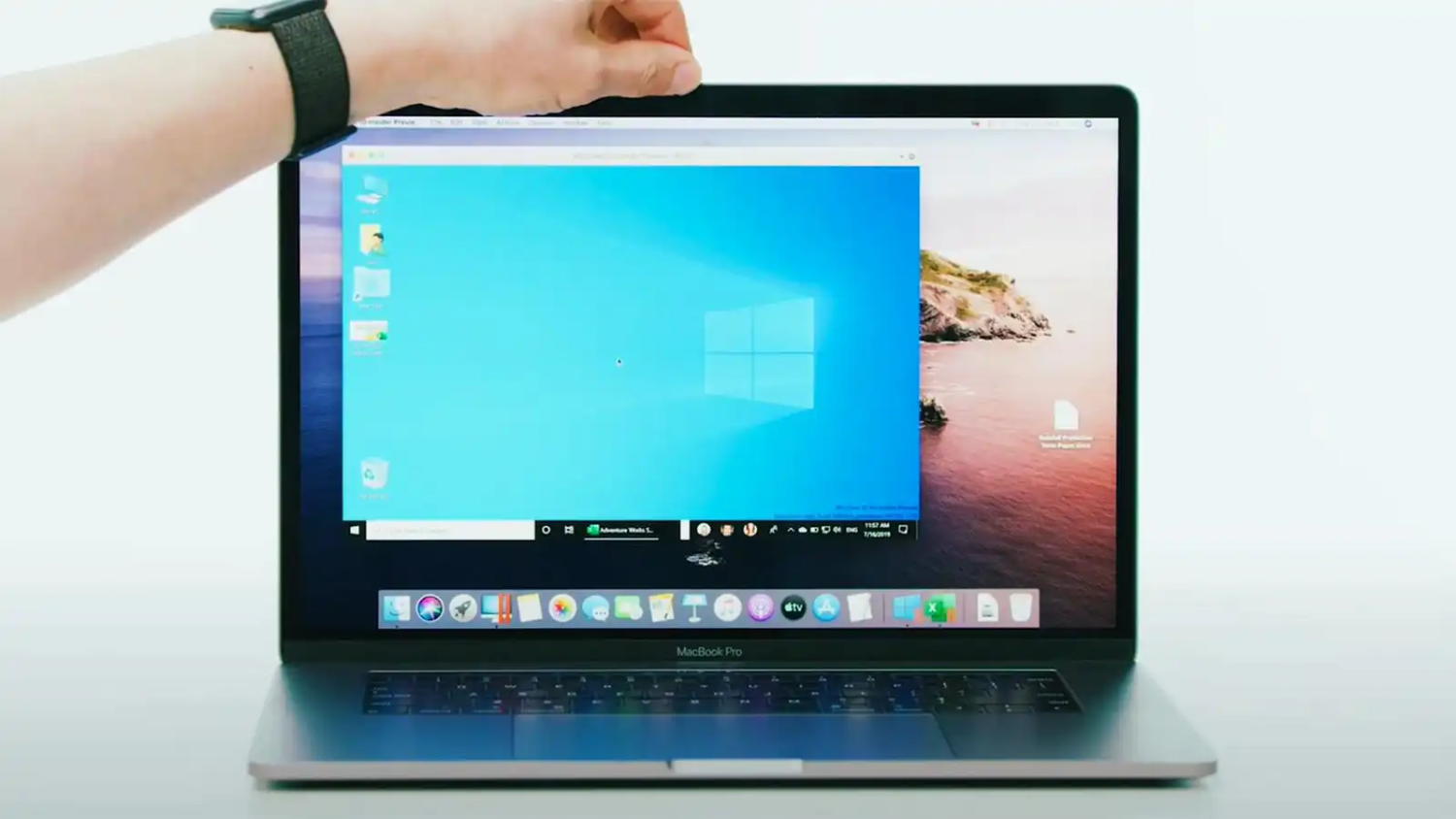
Virtual machines like Parallels Desktop allow you to run a "windowed" version of Windows directly within macOS.
While it is easy to set up, it is the weakest option for gaming. Virtual machines require your computer to run two operating systems simultaneously, which drains hardware resources. For an intensive game like CS2, you will likely experience significant frame drops, stuttering, and input lag. You will have to heavily tweak your in-game video settings just to make it playable.
FAQ
Will Valve ever release a native Mac version for CS2?
It is highly unlikely in the near future. Valve dropped support because macOS represented a tiny fraction of the player base, and Apple’s ecosystem changes made maintaining it difficult. Unless Apple makes a massive, industry-shifting push into competitive gaming, these workarounds are here to stay.
Can I get VAC banned for using CrossOver or a Virtual Machine?
No. Using Boot Camp, CrossOver, or Parallels simply changes the operating system environment you are playing in. They are not considered cheats or exploits by the Valve Anti-Cheat (VAC) system.
Do my skins and inventory carry over if I play on Mac?
Yes! Your Skin.Land purchases and entire Steam inventory are tied to your Steam account, not your hardware. Whether you are playing on a top-tier Windows rig or a MacBook using CrossOver, your knives, gloves, and weapon skins will be right there waiting for you.
Is the input lag noticeable on Mac?
If you use Boot Camp on an Intel Mac, input lag is practically non-existent since you are running Windows natively. If you use CrossOver or a Virtual Machine, you may experience minor to moderate input delay due to the translation layers. It is fine for casual matchmaking, but it might hold you back in high-ELO Premier matches.







Z komentarzem