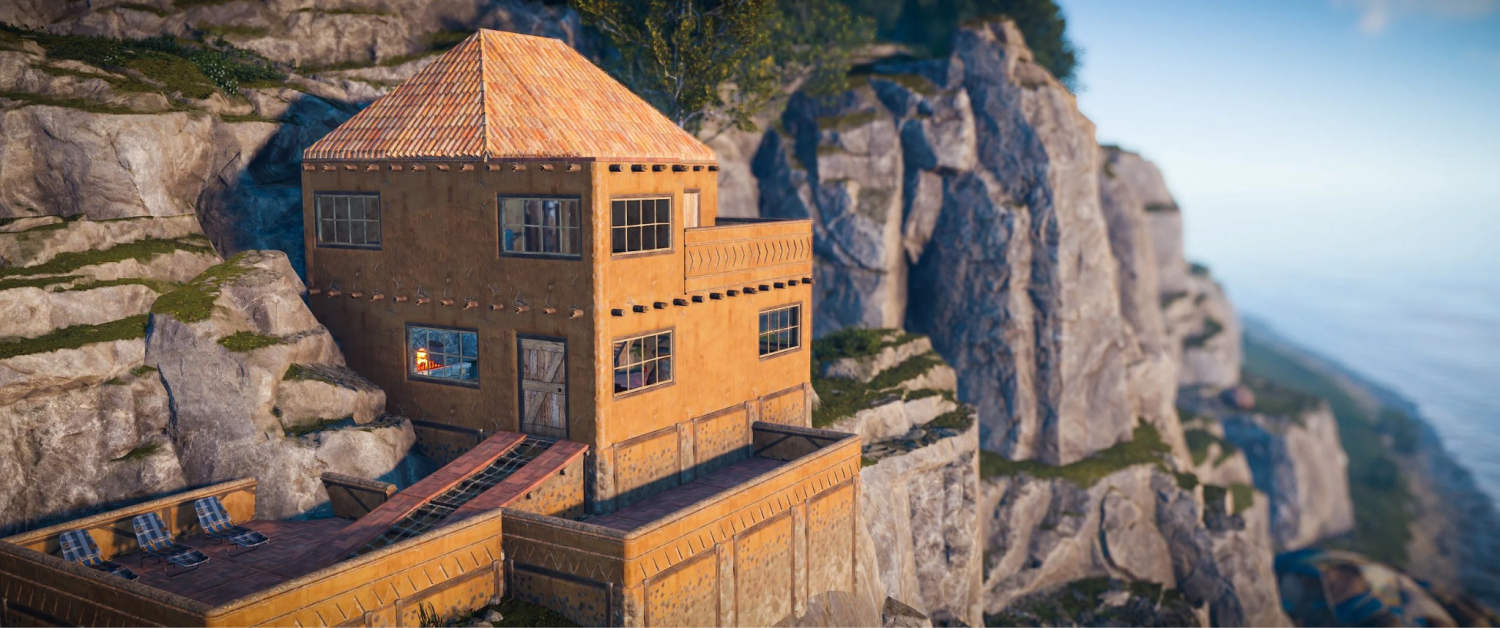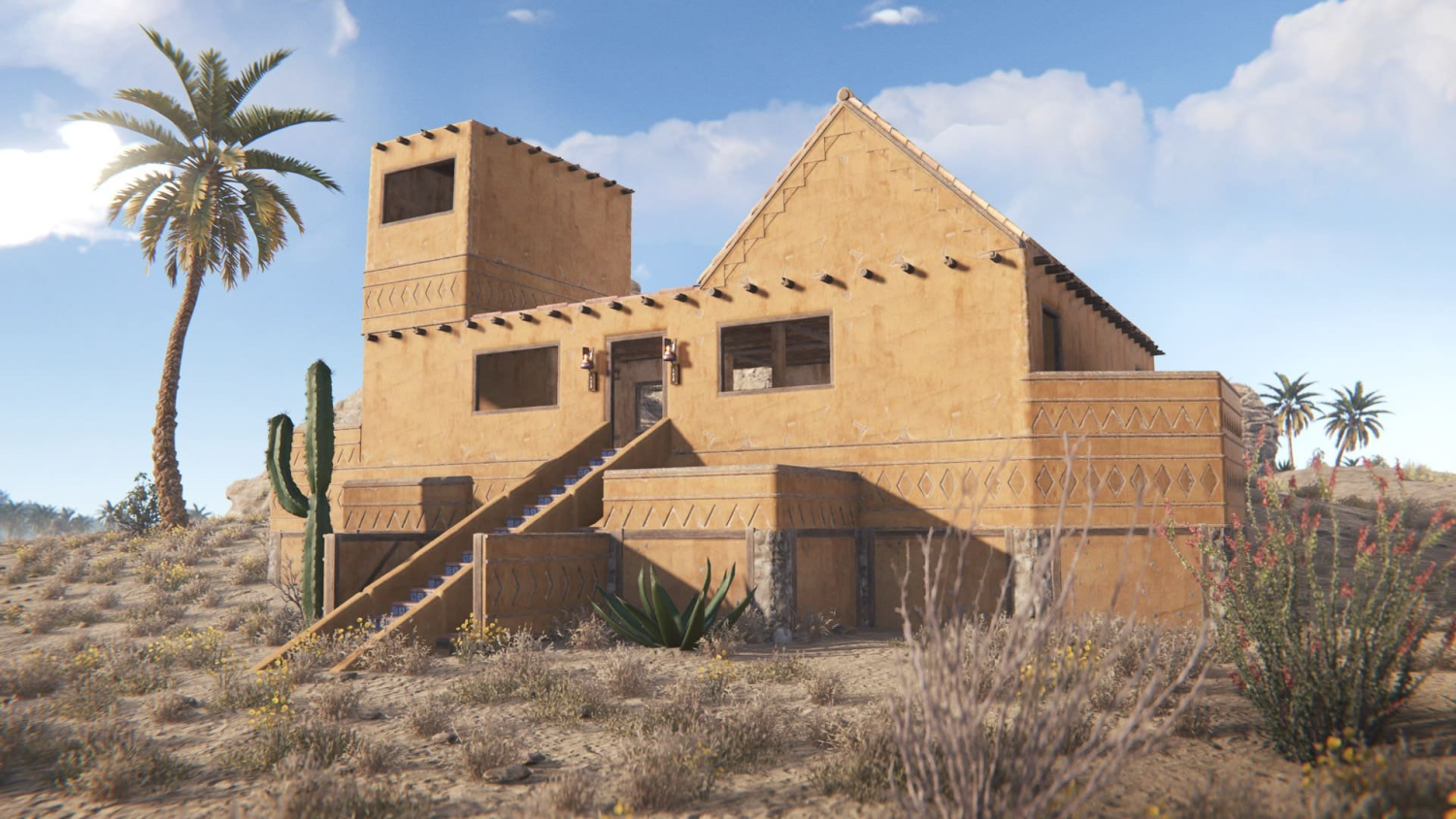

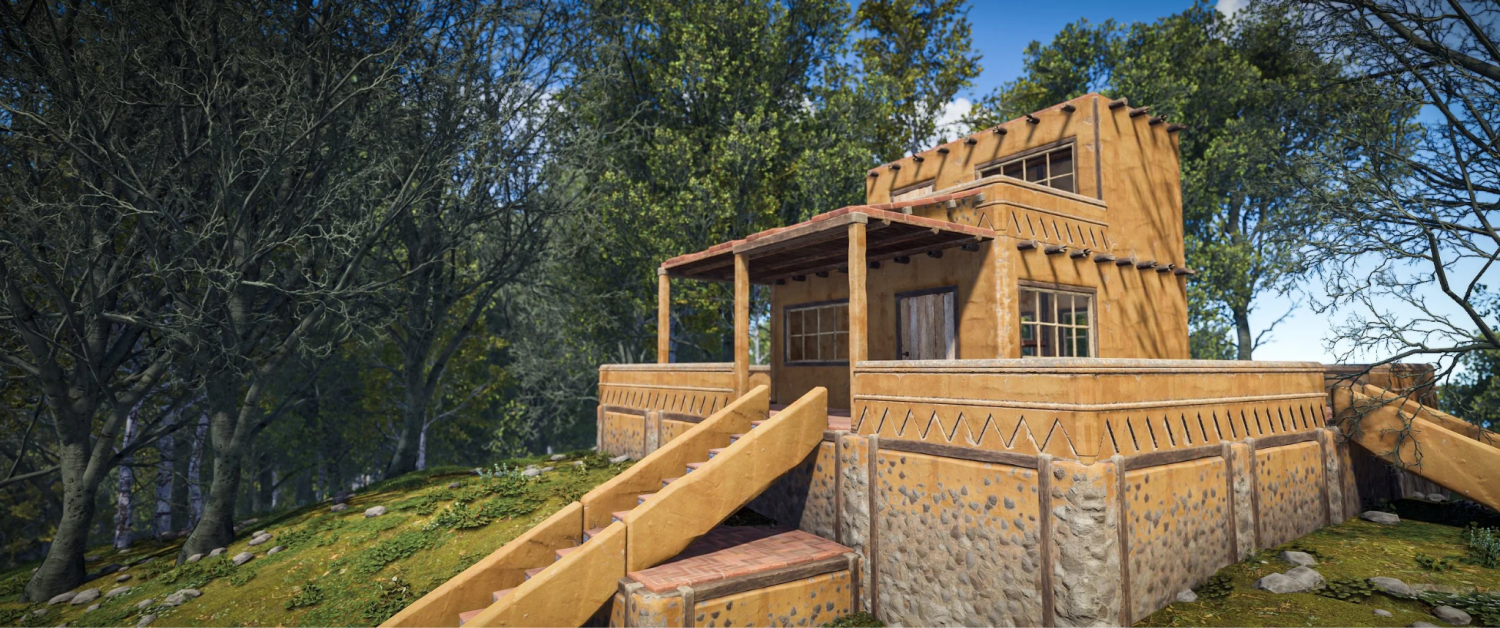
What Are Building Skins in Rust?

Building skins are paid DLCs that affect your base's structural blocks, including walls, foundations, floors, ceilings, stairs, and ramps. To change your skins, you need to equip the Building Hammer, access the radial menu, and choose the skin you like.
Every skin is linked to a certain material tier, and you won't be able to use, say, Stone Tier skins for wooden structures. Once bought, skins become DLCs permanently attached to your Steam account and cannot be traded or resold on the Steam Market. In comparison, weapon skins are cosmetic add-ons that don't turn into permanent DLCs.
All Rust Building Skins
In order to give you a general idea of how many different kinds of skins exist, we will list all the building skins in Rust available by each material tier. Presently, four tiers can be modified using skins, and Stone Tier wins by the largest selection of five skins. The latest addition, Crypt, was made by Facepunch back in May 2026 and introduced as a Stone Tier skin.
There is another thing that you should keep in mind before seeing the table: Jungle Skin cannot be purchased alone; it belongs to the Jungle Pack DLC.
Skin | Tier | Price | Style |
Adobe | Stone | $12.99 | Warm earth tones, desert architecture |
Brick | Stone | $12.99 | Red brick, medieval fortress |
Brutalist | Stone | $12.99 | Cold concrete, industrial bunker |
Jungle | Stone | $12.99* | Aztec masks and ornaments, jungle camo |
Crypt | Stone | $12.99 | Dark stone, gothic – new in May 2026 |
Legacy Wood | Wood | $12.99 | A throwback to the old Legacy era of Rust |
Shipping Container | Metal | $13.99 | Containers with custom color selection |
Space Station | Armored | $12.99 | White sci-fi bunker with red trim |
*The Jungle skin is part of the Jungle Pack DLC, which includes additional items: weapons, barrels, armor, and decorative pieces.
That brings the total to eight official building skins currently in the game. Shipping Container is the only option for the metal tier, and Space Station remains the only official choice for armored material. Crypt answered a long-standing community request for something dark and heavy in the stone category – previously, Stone skins leaned either warm or neutral.
Best Building Skins in Rust

Picking a single "best" skin is a bit of a pointless exercise – some people build in the desert, some in the snow, some want camouflage, others just want the best-looking base on the server. That said, a few of the best Rust building skins consistently stand out in terms of popularity, flexibility, or something genuinely unique they bring to the table.
The criteria are simple: how versatile is the skin, does it have any unique mechanics, and does it actually hold up visually in real gameplay – not just in screenshots.
Shipping Container is the undisputed favorite among players who care about customization. It's the only skin in the game that lets you paint each individual block a different color using a spray can. Want a clean grey-steel exterior? Done. Want a chaotic mix of colors like some streamer's base? Also works. No other official option gives you that kind of freedom.
Brutalist is the go-to for players building large clan compounds. The cold grey concrete reads like a military installation or a Soviet-era Cold War structure. It fits especially well in snow biomes and on rocky terrain. There's also a psychological element – a Brutalist base sends a different message to your neighbors than a cozy Adobe cottage does.
Space Station is for players who push their base all the way to the armored tier. White metal panels with bolts and thin red trim, like something out of an orbital command module. It's also currently the only official skin for armored material – there simply is no alternative, which makes it special by default.
Crypt is the newest addition from the May 2026 update. Dark treated stone, grim gothic aesthetic – ideal if you want your base to look like an ancient crypt tucked somewhere up in the mountains. Nothing like it existed in the Stone skin lineup before, and the community response has been positive.
How to Get Building Skins in Rust
Before getting into how to get Rust building skins, the key thing to understand is this: these are paid DLCs, full stop. You can't farm them from NPCs, earn them through quests, or find them in crates – Facepunch is clear about this in their official materials. The upside: each one is a one-time purchase that stays on your account permanently, through every wipe and on every server.
One thing worth noting before you buy: the Jungle skin is only available as part of the full Jungle Pack. If you only want the skin and have no interest in the armor and weapons that come with it, the other options in the table above are probably a better fit.
Official ways to get building skins in Rust:
In-game store – accessible from the main menu under Store → Building. The most convenient option if you're already in the game.
Steam Store – every DLC has its own Steam page, so you can buy without launching the game.
Discord Shop – as of May 2026, Facepunch launched an official store directly inside Discord. Rust was one of the first games to roll this out: you can purchase DLCs without leaving your teammates' chat.
Steam sales – during Summer Sale and Winter Sale events, some skins periodically go on discount by up to 50%.
After any of these purchases, the skin is instantly tied to your account and available in-game with no additional steps required.
How to Use Building Skins in Rust

A lot of players buy a skin and then get stuck trying to figure out where to "activate" it or find the menu. The mechanic is actually straightforward – using building skins in Rust comes down to one tool. The game automatically detects all DLCs tied to your account and presents the choice at the right moment. There's nothing to enable separately through Steam.
Before you start, make sure you're on a server that supports official DLCs. Most official vanilla Facepunch servers and major community servers do, but some modded servers disable them based on their own rules.
Step-by-step – how to use Rust building skins in practice:
Step 1. Craft or hold a Building Hammer.
Step 2. Hold right-click to open the radial menu.
Step 3. To apply a skin when placing a new block: select the material tier in the radial menu, then choose the skin you want. The block will appear with the selected texture right away.
Step 4. To apply a skin to an already-placed block: walk up to it with the hammer out, hold right-click, and choose the skin change option from the context menu. Applying a skin to an existing block costs a small amount of resources matching that tier.
Step 5. Changing a skin does not affect the block's HP. A wooden wall with the Legacy Wood skin is still a wooden wall in every gameplay sense – only the texture changes.
Want to reskin your entire base? On vanilla servers, you'll need to go block by block manually – there's no bulk reskin option in official Rust. The one exception is Shipping Container, where each block's color is changed individually using a spray can, which actually gives you more flexibility overall.
How to Buy Rust Building Skins
The official store isn't your only option. If you want to pick up Rust building skins for less than standard Steam prices, it's worth checking out Skin.Land – deals on Rust DLCs and skins show up there regularly at below Steam prices. The platform runs on a P2P model with protected transactions, and the catalog covers building and weapon skins, armor, and other items.
This is especially useful outside Steam sale windows, when official prices are fixed and the marketplace offers more flexible options. If you're looking to build out a collection in one go – say, Shipping Container, Space Station, and the new Crypt – it's convenient to compare everything in one place rather than jumping between stores. Check the current catalog at Rust skins on Skin.Land and find whatever fits your playstyle.


写评论