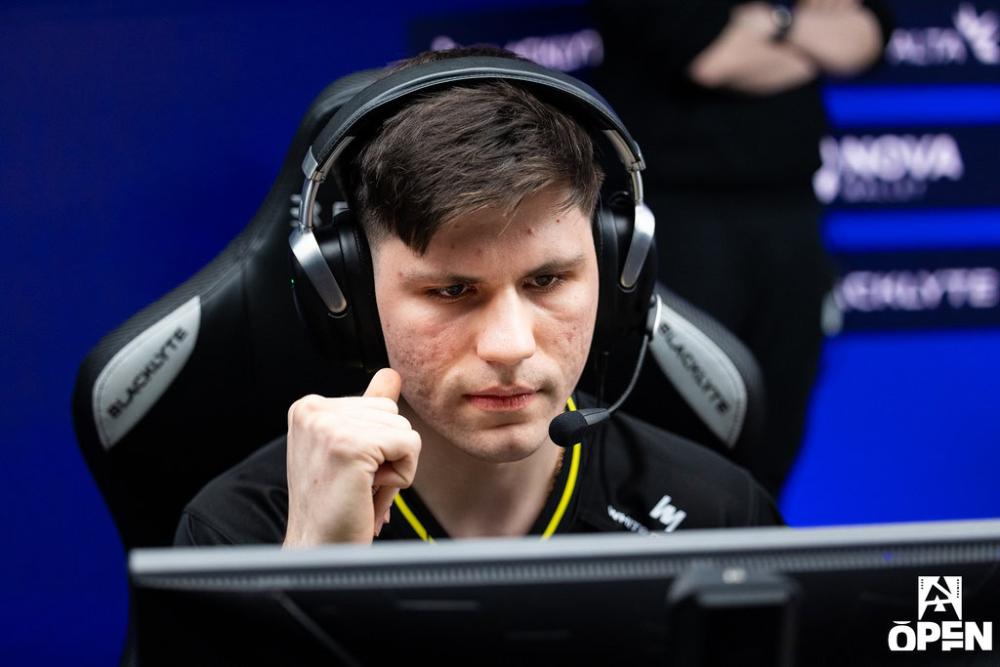

b1t CS2 fare ayarları - hassasiyet ve DPI
b1t nin efsanevi kafadan vuruş yüzdesi, istikrarlı, yüksek düzeyde kontrol edilen fare mekaniği temeline dayanmaktadır. Şu anda 660'lık bir eDPI ile oynuyor ve bu, profesyonel tüfekçiler için mutlak en iyi noktayı vuruyor: kafalara vurmak için piksel açısından mükemmel mikro ayarlamaları garanti edecek kadar yavaş, ancak patlayıcı saha uygulamaları sırasında köşeleri verimli bir şekilde temizleyecek kadar hızlı. Geçmişte 400 ile 800 DPI arasında geçiş yapmış olsa da, 2026 konfigürasyonları 800 DPI'yı tercih ettiğini ve 0,825'lik daha düşük oyun içi hassasiyeti gösteriyor. Logitech G Pro X Superlight 2 ile donatılan cihaz, aynı zamanda sensör duyarlılığının her zerresini ortadan kaldırmak ve giriş gecikmesini en aza indirmek için 2000 Hz'lik modern yoklama hızından da yararlanıyor.
Fare: Logitech G Pro X Superlight 2
DPI: 800
Hassasiyet: 0.825
eDPI: 660
Yakınlaştırma Hassasiyeti: 1
Hz: 2000
Windows Hassasiyeti: 6
Fare fare ayarlarının nasıl çalıştığını bilmiyor musunuz? here kılavuzumuza göz atın.
b1t CS2 için nişangah ayarları
b1t nişangah Klasik Statiktir ve yeşil renktedir. CSGO-tewSz-kjhfa-FbWkE-dvTUr-jcYHK nişangah kodunu girerek veya aşağıdaki parametreleri manuel olarak kopyalayarak bunu etkinleştirebilirsiniz:
Stil: Klasik Statik
Geri Tepmeyi Takip Et: Hayır
Nokta: Hayır.
Uzunluk: 1
Kalınlık: 0
Boşluk: -4
Taslak: Hayır
Renk (RGB): Yeşil
Kırmızı: 0
Yeşil: 255
Mavi: 145
Alfa: Evet
Alfa Değeri: 255
T Stili: Hayır
Konuşlandırılmış Silah Boşluğu: Hayır
Keskin Nişancı Genişliği: 0
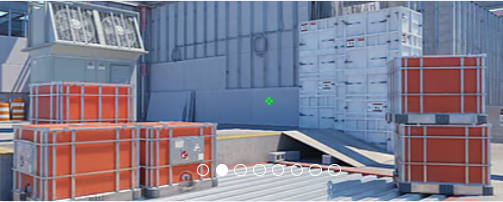
Nişangahı beğenmedin mi? Endişelenmeyin, diğer seçenekleri keşfetmek istiyorsanız en iyi CS2 nişangah kodları here için kılavuzumuza göz atın.
CS2 için b1t video ayarları
Birçok deneyimli profesyonel gibi b1t de oyunun grafik estetiği yerine yüksek, istikrarlı kare hızlarına ve görsel netliğe öncelik veriyor. 4:3 en boy oranına yayılmış klasik 1280x960 çözünürlüğe güveniyor. Bu düzen, oyuncu modellerini gözle görülür şekilde genişleterek hedeflerin daha büyük görünmesini ve takip edilmesi biraz daha kolay olmasını sağlar: kafadan vuruş ağırlıklı oyun tarzı için çok önemli bir avantaj.
Görsel dağınıklığı ortadan kaldırmak için hemen hemen tüm grafik ayrıntıları (Modeller, Gölgelendiriciler, Parçacıklar) Düşük olarak ayarlanırken Küresel Gölge Kalitesi, köşelerdeki düşman gölgelerini sallanmadan önce tespit edebilmesini sağlamak için Yüksek kalıyor. Özellikle, daha düşük uzatılmış çözünürlükte doğal olarak oluşan pürüzlü kenarları düzeltmek için Çoklu Örnekleme Anti-Aliasing Modunu 8x MSAA'ya kadar yükseltiyor.
Oyuncuların Kontrastını Artırın: Etkin
Model/Doku Detayı: Düşük
Gölgelendirici Detayı: Düşük
Parçacık Detayı: Düşük
Doku Filtreleme: Çift Doğrusal
Anti-Aliasing: 8x MSAA
Gölge Kalitesi: Yüksek
Dinamik Gölgeler: Tümü
Ambient Occlusion: Yüksek
FidelityFX Süper Çözünürlük: Devre Dışı (En Yüksek Kalite)
V-Sync: Devre Dışı
NVIDIA Reflex Düşük Gecikme: Devre Dışı
NVIDIAG-Sync: Devre Dışı
Yüksek Dinamik Aralık: Performans
Çözünürlük: 1280*960
En Boy Oranı: 4:3 uzatılmış
Mod: Tam Ekran
Ölçekleme Modu: Uzatılmış
Parlaklık: %93
b1t CS2 için monitör ayarları
Counter-Strike'ın en yüksek seviyesinde görsel akıcılık en az kare hızı kadar önemlidir. b1t, 360 Hz yenileme hızına sahip, endüstri standardı ZOWIE XL2566K'yı kullanıyor ve 24,5 inçlik monitör, oyununun amacı kadar akıcı bir şekilde ilerlemesini sağlıyor. İlginç bir şekilde, ZOWIE'nin tescilli Motion Blur azaltma teknolojisine büyük ölçüde güvenen birçok profesyonelin aksine b1t, DyAc ı kapalı tutmayı tercih ediyor. Bunu, Standart resim modunda nispeten dengeli renk ayarları—6'lık orta düzeyde Siyah eQualizer ve 10'luk Renk Canlılığı ile eşleştiriyor. Bu kurulum, bazı oyuncuların kullandığı aşırı doygun, solgun skini ortadan kaldırarak ona oyuncu modellerini arka plandan kolayca ayırt edebilen temiz, doğal bir görüntü sağlıyor.
Burada b1t monitör ayarlarını bulabilirsiniz:
DyAc: Kapalı
Siyah eQualizer: 6
Renk Canlılığı: 10
Düşük Mavi Işık: 0
Resim Modu: Standart
Parlaklık: 70
Kontrast: 50
Keskinlik: 10
Gama: Gama 2
Renk Sıcaklığı: Normal
AM: yüksek
b1t CS2 için Model ayarlarını görüntüle
Tek dokunuşla ana, diğer birçok CS2 profesyonel oyuncununkune benzer skin modeli ayarlarına sahiptir. Yatay ofseti 2,5 ve dikey ofseti -1,5'tir. Bu ayarlar nişan almayı ve ateş etmeyi kolaylaştırır ve silah modelinin görüş alanını çok fazla engellememesini sağlar.
viewmodel_fov 68
viewmodel_offset_x 2.5
viewmodel_offset_y 0
viewmodel_offset_z -1.5
viewmodel_presetpos 1
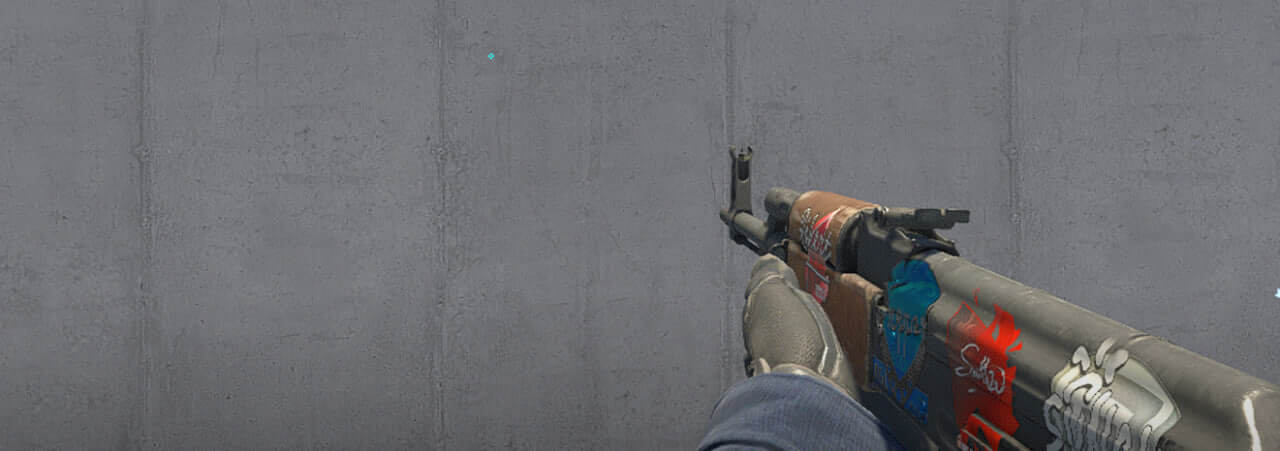
viewmodel settings'in bunları tercihinize göre ayarlamak için nasıl çalıştığını öğrenmek' da faydalıdır.
b1t CS2 için başlatma seçenekleri
b1t CS2'deki en önemli başlatma seçeneklerinden birini kullanır. Onlara bir göz atın ve oyununuzu geliştirmek için bunları kullanmaktan çekinmeyin.
+fps_max 500 -frekans 360 -konsol -tickrate 128 -novid -rate 786432
Eğer en iyi CS2 başlatma seçeneklerini arıyorsanız, guide ürünümüze göz atın.
b1t CS2 için radar ayarları
Radarı oyuncuyu merkezliyor ve aynı anda dönüyor. b1t radar settings ile oynamanın nasıl bir his olduğunu kendiniz denemek için aşağıdaki ayarları kullanın.
Radar Oyuncuyu Merkezliyor: Evet
Radar Dönüyor: Evet
Skor Tablosuyla Şekli Değiştir: Evet
Radar Hud Boyutu: 1.06
Harita Yakınlaştırması: 0.25
CS2 için b1t ses ayarları
B1t'in ses yapılandırması, fare veya video ayarları kadar sık tartışılmasa da, birinci düzey profesyonellerin çoğunluğu tarafından kullanılan aynı optimize edilmiş ses temeline güveniyor. Yön netliğini en üst düzeye çıkarmak için standart yaklaşım, EQ Profilini uzun turnuva günlerinde kulak yorgunluğunu önleyen Doğal veya ayak sesleri gibi önemli orta frekansları vurgulayan Crisp e ayarlamaktır. Sol/Sağ (Sol/Sağ) İzolasyonunu %0'a ayarladığınızda oyun, en belirgin yönsel ses ipuçlarını sunmak için doğal insan işitmesini doğru bir şekilde taklit eder. Perspektif Düzeltme açıkken bu kurulum, b1t nin görüş alanına göre düşmanın tam konumunu tam olarak belirleyebilmesini sağlar.
b1t skinler
Yapılandırma ayarları b1t mekaniğinin temelini oluştururken, oyun içi estetiği, profesyonel sahnenin en etkileyicileri arasında yer alan yüksek seviyeli, canlı bir skin koleksiyonuyla tanımlanıyor. Donanımı piyasadaki en çok aranan finishlardan bazılarını içerir, most notably anchored by his incredibly valuable AK-47 | Wild Lotus - a highly liquid, top-tier crown jewel in his envanter.







Yorum yaz