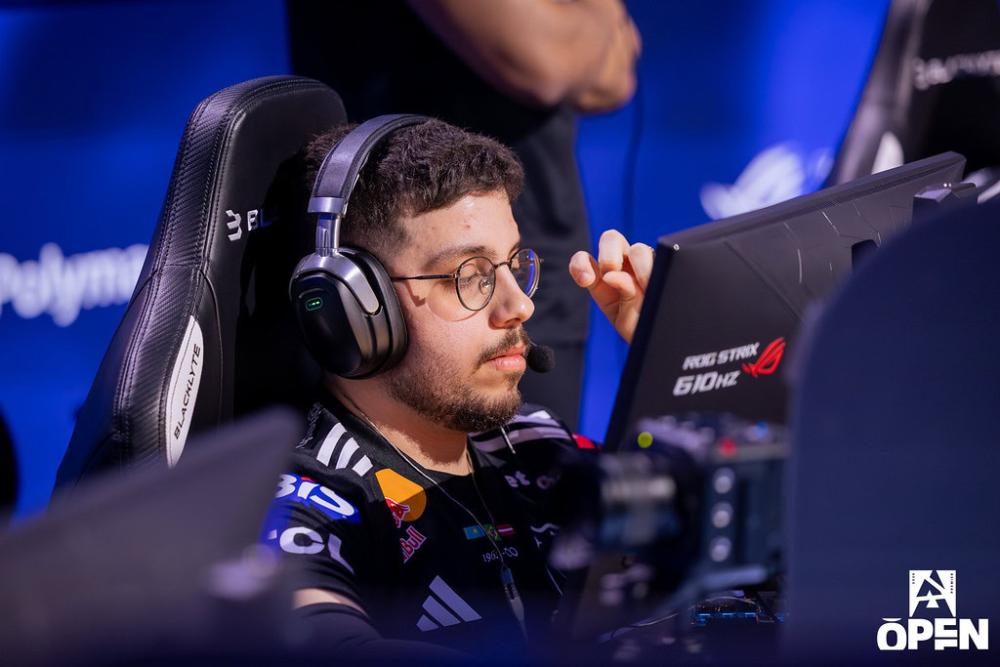

KSCERATO CS2 Configuración del mouse: sensibilidad y DPI
Actualmente, utilizando Logitech G Pro X Superlight 2, KSCERATO prefiere una sensibilidad ligeramente mayor que la del profesional promedio de Counter-Strike, lo que le permite realizar microajustes rápidos y giros rápidos de 180 grados sin esfuerzo. Normalmente juega a 800 DPI con una sensibilidad en el juego que oscila entre 1,25 y 1,45 (o un equivalente de 3,0 a 400 DPI), lo que da como resultado un DPI efectivo (eDPI) de aproximadamente 1000 a 1160.
Su multiplicador de sensibilidad del zoom se mantiene en el estándar 1.0, lo que garantiza una memoria muscular constante cuando toma un AWP. Combinadas con una tasa de sondeo de 4000 Hz (o superior) y entrada sin procesar habilitada, estas configuraciones le brindan el equilibrio perfecto entre velocidad y precisión necesarios para entrar en el escenario mundial.
Ratón: Logitech G Pro X Superligero 2
PPP: 800
Sensibilidad: 1,45
eDPI: 1160
Sensibilidad de zoom: 1
Hz: 4000
Sensibilidad de Windows: 6
¿No sabes cómo funcionan las configuraciones del mouse? Consulte nuestra guía aquí.
Configuración de la mira de KSCERATO para CS2
La mira del jugador brasileño es es clásicamente estática y amarilla. Puede habilitarlo ingresando un código en forma de cruz CSGO-ssxCh-Y9LFi-B9amu-NWkZo-ObaAB, o copiando los siguientes parámetros manualmente:
Estilo: Estático Clásico
Seguir retroceso: No
Dot: No
Longitud: 2
Espesor: 1
Brecha: -6
Esquema: Sí
Color (RGB): Amarillo
Rojo: 0
Verde: 0
Azul: 0
Alfa: Sí
Valor alfa: 255
Estilo T: No
Brecha de armas desplegadas: No
Ancho de francotirador: 1
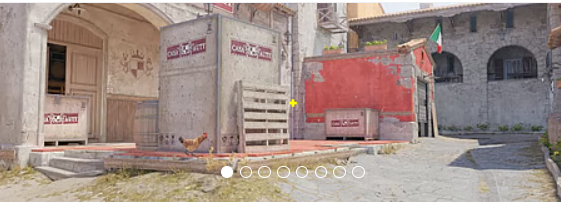
¿No te gusta su punto de mira? No se preocupe, si desea explorar otras opciones, consulte nuestra guía para conocer los mejores CS2 códigos de mira aquí.
Configuración de vídeo de KSCERATO para CS2
Para maximizar la velocidad de fotogramas y reducir el desorden visual, KSCERATO opta por una configuración de vídeo altamente competitiva. Juega con una resolución de 1280x960 con una relación de aspecto de 4:3, ampliada para llenar su pantalla. Esta clásica configuración ampliada hace que los modelos de jugadores enemigos parezcan más anchos y se muevan más rápido, una característica visual trade que muchos profesionales de primer nivel prefieren para apuntar más fácilmente. En su configuración de video avanzada, reduce la mayoría de los atractivos visuales, ejecutando Bajo para Modelo/Textura, Sombreador y Detalle de partículas, mientras mantiene el Filtrado de textura en Trilineal.
Sin embargo, utiliza High Global Shadow Quality y 8x MSAA para mantener las sombras cruciales de los jugadores nítidas y los bordes suaves, lo que proporciona información valiosa durante una partida. Además, el Alto rango dinámico (HDR) está configurado en Calidad y la Súper resolución FidelityFX (FSR) está desactivada para mantener la imagen más nítida posible. Este equilibrio garantiza que obtenga el máximo FPS posible para alimentar su monitor ZOWIE de 600 Hz sin sacrificar señales visuales vitales en el juego.
Aumentar el contraste de los jugadores: deshabilitado
Detalle de modelo/textura: bajo
Detalle del sombreador: bajo
Detalle de partículas: bajo
Filtrado de texturas: trilineal
Antialiasing: 8x MSAA
Calidad de la sombra: Alta
Sombras dinámicas: todas
Oclusión ambiental: deshabilitada
Súper resolución FidelityFX: deshabilitada (calidad más alta)
V-Sync: deshabilitado
NVIDIA Reflex de baja latencia: habilitado
NVIDIAG-Sync: deshabilitado
Alto rango dinámico: calidad
Resolución: 1280*960
Relación de aspecto: 4:3 estirado
Modo: Pantalla completa
Modo de escala: estirado
Brillo: 97%
Configuración del monitor KSCERATO para CS2
Una PC de alto rendimiento significa poco sin un monitor que pueda seguir el ritmo, razón por la cual KSCERATO confía en una pantalla ZOWIE para rastrear objetivos que se mueven rápidamente. Actualmente utiliza un monitor ZOWIE de alta frecuencia de actualización (a menudo el XL2586X+ de 600 Hz o el XL2546K de 240 Hz) optimizado exclusivamente para juegos FPS competitivos. Para lograr la máxima claridad visual, habilita la tecnología DyAc (precisión dinámica) patentada de ZOWIE en la configuración Premium, que reduce drásticamente el desenfoque de movimiento durante tiroteos intensos y facilita significativamente el control del retroceso.
El perfil de imagen de su monitor está configurado en FPS 1 con Brillo en 100, Contraste en 70 y Nitidez en 7, lo que le brinda una imagen brillante y definida. Para detectar mejor a los enemigos que se esconden en rincones oscuros o se mezclan con el mapa, ajusta Color Vibrance a 18 y Black eQualizer a 15. Combinada con una configuración Gamma 1 y una temperatura de color azulada, esta configuración de monitor garantiza que los modelos de los jugadores se destaquen vívidamente contra la parte posterior gris y polvorientadrops de Counter-Strike 2.
Aquí puede encontrar la configuración del monitor KSCERATO:
DyAc: Premium
Ecualizador negro: 15
Intensidad del color: 18
Luz azul baja: 0
Modo de imagen: FPS 1
Brillo: 100
Contraste: 70
Nitidez: 7
Gama: Gama 1
Temperatura de color: azulado
AMA: Premium
Configuración del modelo de vista KSCERATO para CS2
La leyenda brasileña tiene configuraciones de modelo de vista similares a las de muchos otros CS2 jugadores profesionales. Tiene un desplazamiento horizontal de 2,5 y un desplazamiento vertical de -1,5. Estas configuraciones hacen que apuntar y disparar sea conveniente y garantizan que el modelo de arma no obstruya demasiado el campo de visión.
viewmodel_fov 68
viewmodel_offset_x 2.5
viewmodel_offset_y 0
viewmodel_offset_z -1.5
viewmodel_presetpos 2
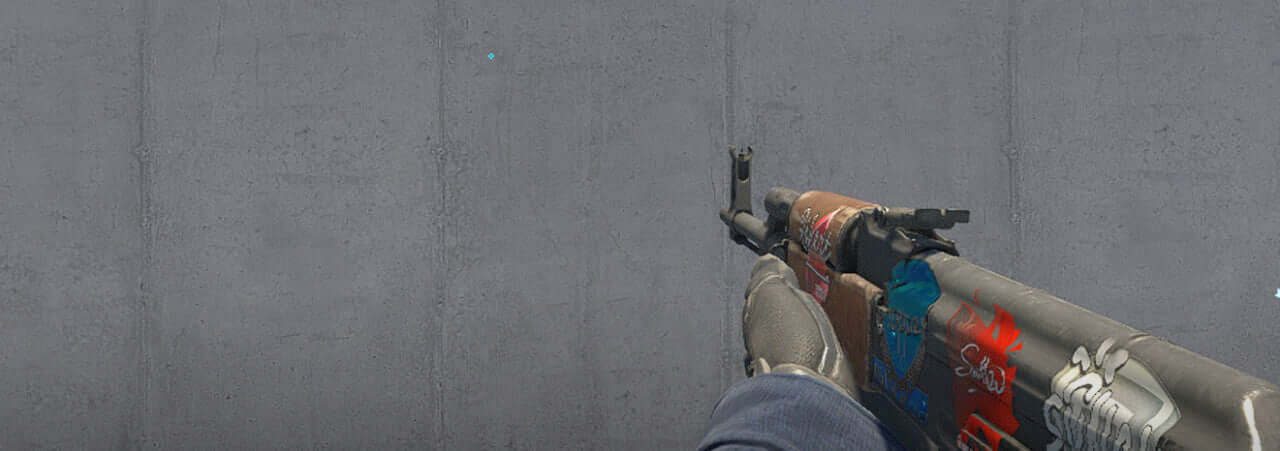
' también es útil aprender cómo funciona viewmodel settings para ajustarlos a sus preferencias.
Opciones de inicio de KSCERATO para CS2
KSCERATO tiene un montón de opciones de lanzamiento que les ayudan a funcionar al más alto nivel.
-console -novid -tickrate 128 +clientport 27022 -d3d9ex -noaafonts -nojoy +mat_queue_mode 2 +cl_forcepreload 1
Si está buscando las mejores opciones de lanzamiento CS2, consulte nuestra guía.
Configuración del radar KSCERATO para CS2
Su radar centra al jugador y gira al mismo tiempo. Utiliza las siguientes configuraciones para probar usted mismo cómo se siente jugar con KSCERATO radar settings.
El radar centra al jugador: Sí
El radar está girando: Sí
Alternar forma con marcador: Sí
Tamaño del HUD del radar: 0,9
Zoom del mapa: 0,6025
Configuración de audio de KSCERATO para CS2
Escuchar un paso una fracción de segundo antes puede marcar la diferencia entre ganar o perder una ronda, por lo que la configuración de audio de KSCERATO está completamente sintonizada para obtener una ventaja competitiva.
Para su hardware, con frecuencia confía en los auriculares SteelSeries Arctis Nova Pro o los monitores internos (IEM) TRUTHEAR x Crinacle Zero cuando compite en escenarios LAN ruidosos. En el menú de configuración de audio CS2, utiliza el perfil Natural EQ, que evita aumentar artificialmente las frecuencias y previene los agudos ásperos y agotadores que pueden causar fatiga auditiva durante los largos días de práctica. Para maximizar su conciencia espacial y señalar exactamente dónde están empujando los enemigos, mantiene habilitada la Corrección de perspectiva y establece su Aislamiento L/R cerca del 0% (o ligeramente más alto según sus preferencias personales), lo que brinda una experiencia de audio direccional izquierda versus derecha de alta precisión.
Además, KSCERATO mantiene el ruido de fondo que distrae al mínimo absoluto al silenciar la música del juego, como el menú principal y las pistas de final de ronda, asegurando que sus comunicaciones y la crucial advertencia de bomba de diez segundos sean lo único que escuche cuando hay presión.
skins de KSCERATO
Más allá de su destreza mecánica, KSCERATO es bien conocido en la comunidad por contar con un CS2 inventory absolutamente de primer nivel, con algunos de los artículos más codiciados y caros del juego.
Para la AWP, se sabe que sacó el icónico Dragon Lore, completando una colección que fácilmente asciende a decenas de miles de dólares.







Escriba un comentario