In our service, you can trade skins for a good price and receive payment to your credit card or online wallet of your choice.
To sell skins, you need to find your Trade URL in your Steam Profile page and insert it here.
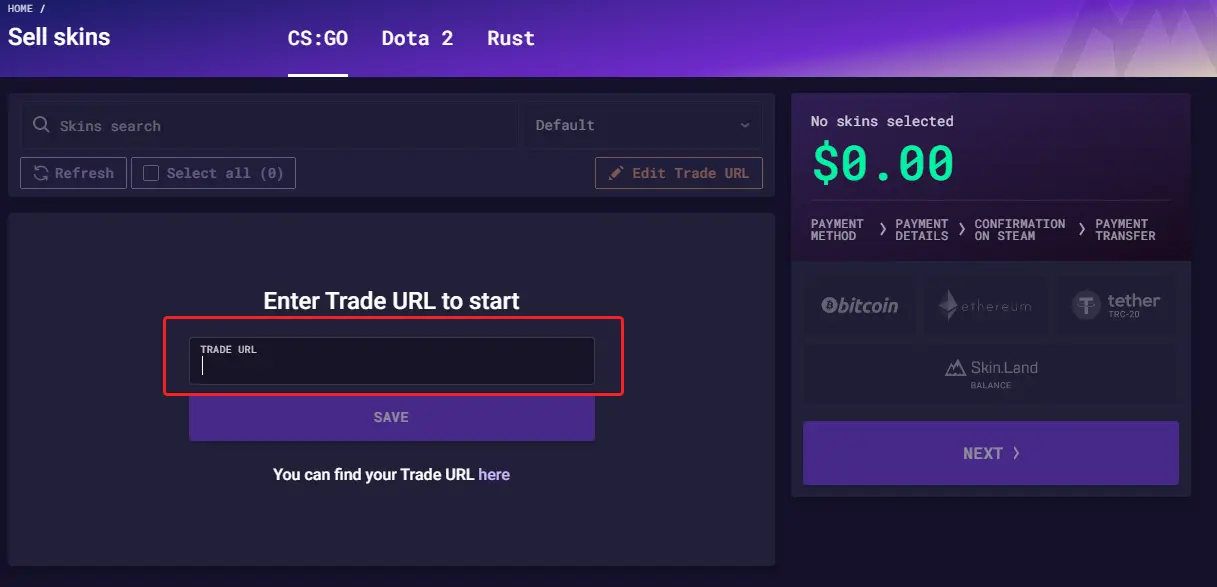
After that, you will see the items from you inventory, that are available for trade.
Choose, what items do you want to sell, and you will see the value that we offer for them.
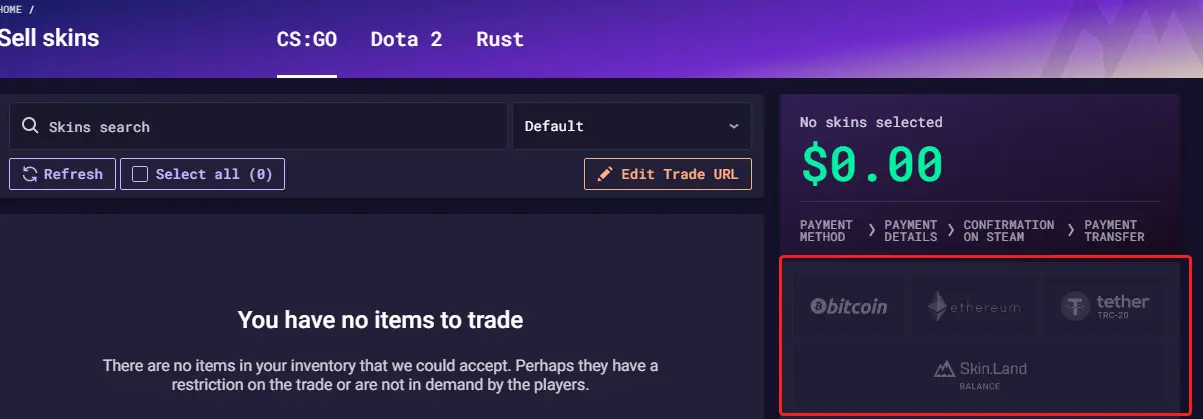
Choose, what payment system do you want to use.
Enter your payment details and check them to avoid mistakes.
On the next step, you will get a trade offer from us via Steam.
Please note that according to the
new Steam Trade Protection rules,
if your transaction includes items from games protected by Trade Protection, the payout will be sent after 7 days - once the item’s trade hold expires.
If your transaction does not include Trade Protected items, the payout should be credited to your balance according to the terms of the selected payment method. If the funds are not received within that timeframe, please contact our support team.