
What does CS:GO and CS2 Bomb Code Mean?
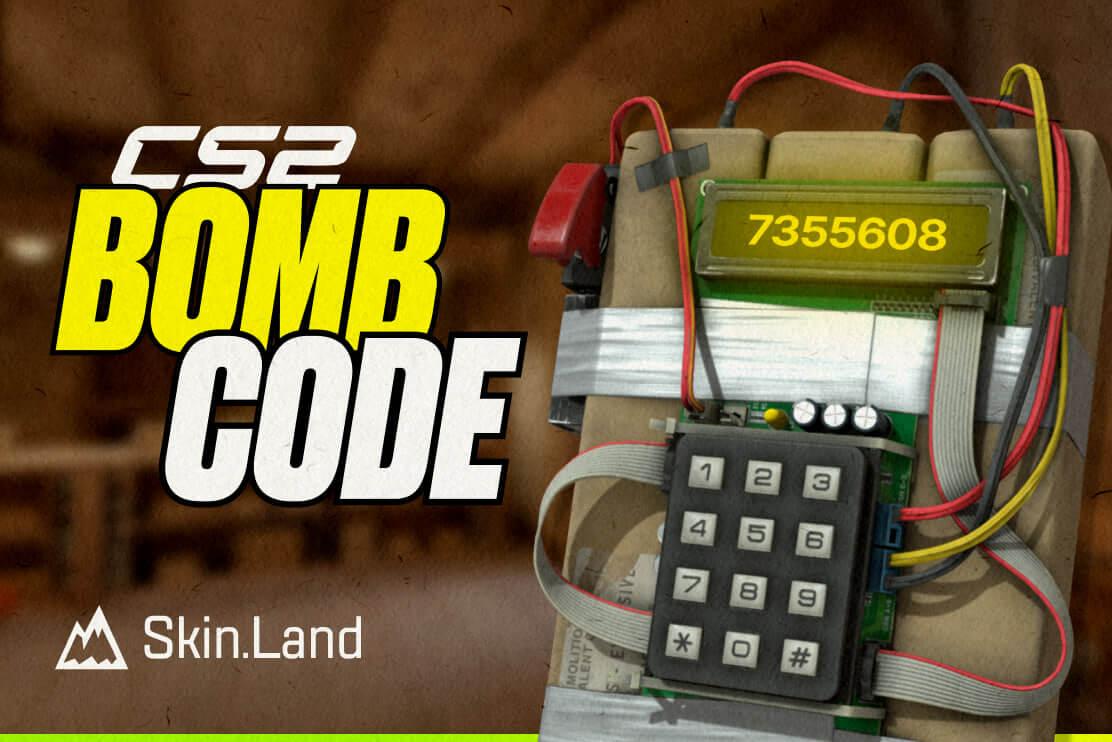
The bomb code in CS:GO and CS2 refers to the string of numbers the game’s character audibly inputs while planting the bomb—typically heard as 7355608. But what does it mean? Do these numbers make sense? Yes.
Here's the twist: 7355608 typed on a calculator and flipped upside down spells "B0BSELE", which closely resembles the word "BOBSELE", a nod to a Valve developer named Bob.
It’s a classic example of calculator spelling, a nostalgic trick where numbers resemble letters when inverted (like 707 = "LOL").
According to fan theories, it’s an inside joke or homage rather than a code with serious in-game significance. We still don’t have any official confirmation about it.
By the way, if you still can't remember the exact bomb code, we have a solution for you. At Skin.Land we offer the sticker “Bomb Code” for the best price. Put it on your favorite skins, and each time you inspect it, you will check the bomb code. A good way to remember it for the whole life.
Can You Change Bomb Code in CS2?
No, you can’t. The planting process is automated — players simply hold the plant key (E by default) without entering any code. The code "7355608" is just an easter egg/reference, not something you type in-game.
But, technically, if you're running your community server with access to custom scripts or plugins (like through SourceMod or other server tools), you could simulate a change or modify the planting mechanism. But unfortunately, CS2 uses the Source 2 engine, and modding tools are currently more limited than they were in CS2. Full modding support is still evolving.
How to Name the Bomb in CS2?
It sounds ridiculous, but all players have this option. Many people do this to diversify their CS game or to surprise their teammates, and maybe even their opponents.
To name the bomb in CS2, you'll need to edit a file called items_game.txt.
Follow the next steps:
Find the items_game.txt file in your CS2 directory. It's usually in C:\Program Files (x86)\Steam\steamapps\common\Counter-Strike Global Offensive\csgo\scripts\items.
Make a backup of this file. It will be safer.
Open items_game.txt with a text editor, you can use Notepad.
Search for "weapon_c4" in the file. You can use Ctrl+F to find it quickly.
Change "c4" to "melee" and save the file.
Launch CS2 and go to your inventory.
Untick "Hide Default Items" and filter for knives. You should see the bomb now.
Right-click the bomb and select "Rename". You'll need a name tag for this.
Now you can choose your new bomb name. It can be any, just write what you want.
Then, equip the renamed bomb by right-clicking it and selecting "T Replace C4 Explosive".
After that, you need to close CS2 and open items_game.txt again.
Change "melee" back to "c4" and save the file.
Congratulations, you changed the bomb name. When you open the game again, your bomb will have its new name. Don’t be afraid, it’s legal, so you will not get banned in CS2.







Write comment