
How to Apply a Name Tag in CS2
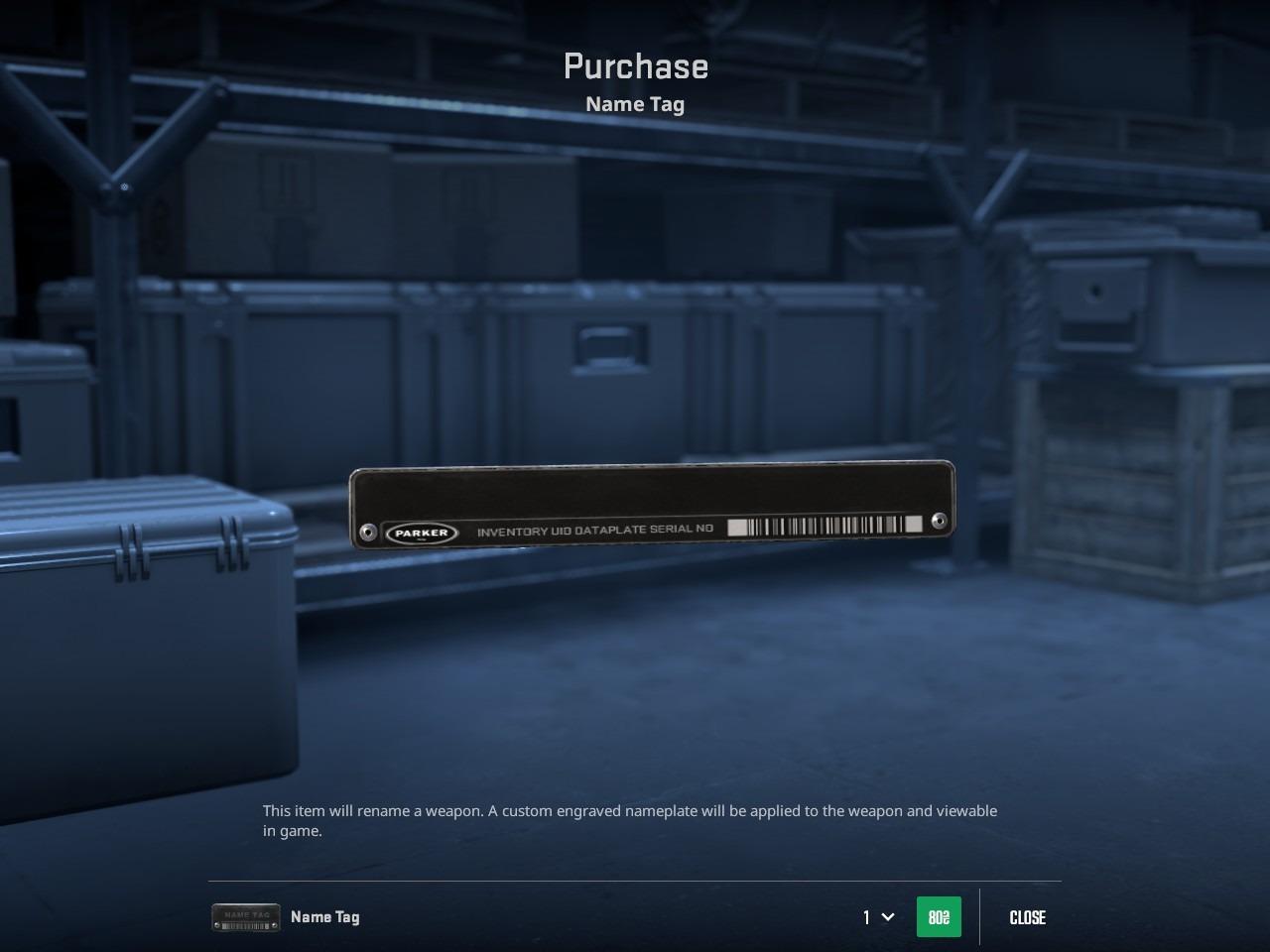
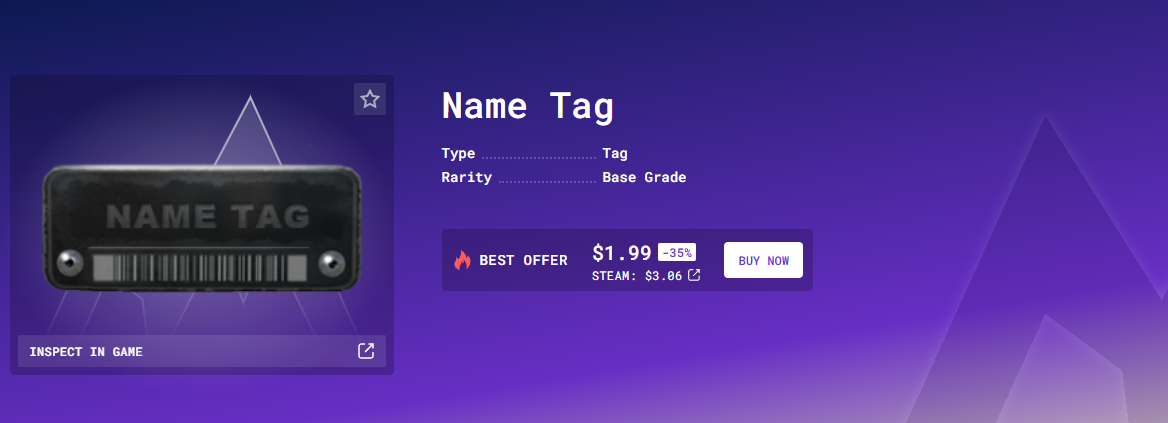
To apply a Name Tag in CS2, you must first possess the Name Tag item. As of late 2025, these can be purchased directly from the in-game store for $1.99 USD or through Skin.Land. We’re offering the best price compared to the game.. Note that items purchased directly from the in-game store currently come with a standard trade and market restriction period.
Once you have a tag in your inventory, follow these steps:
Locate the Item in Your Inventory
Open CS2 and navigate to your Inventory tab. Find the weapon skin or item you wish to customize.
Initiate the Rename
Process Right-click on the specific item you want to name and select "Rename" from the context menu.
Enter Your Custom Name
A window will appear with a text field. Type in your chosen name. (You are restricted to 20 characters)
Finalize and Confirm
Once you are satisfied with the name and its appearance in the preview, click "Use Name Tag." A final confirmation dialog will appear, warning you that the Name Tag is a single-use item and will be consumed. Click confirm to apply the name permanently to the skin.
How to Remove a Name Tag in CS2
Before you will decide to remove a name tag, remember that it permanently destroys the item. You will not be able to retrieve the Name Tag from your inventory.
So, if you want to remove the name tag in CS2, follow these steps:
Select the Weapon: Find the item with the Name Tag you want to remove.
Open the Rename Menu: Right-click the weapon and select Rename.
Remove the Name: In the rename window, you will see your current custom name. Click the "Remove Name" button
Click Remove to confirm.
The weapon will immediately revert to its original name (e.g., "AK-47 | Slate"), and the physical nameplate will disappear from the 3D model.
How to Change a Name Tag in CS2
Strictly speaking, there is no "Edit" button for Name Tags in CS2. Once a name is applied, it is permanent. To change the name on a weapon, you must follow a two-step process: remove the old tag and apply a new one.
So you need to follow the instructions described above.
Name Tag Limits: Length, Symbols, Fonts
While the game has moved to the modern Panorama UI, the Name Tag system still follows strict rules regarding length and character support.
Character Length. The hard limit for a CS2 Name Tag is 20 characters.
Spaces count: Every space counts as one of your 20 characters.
No leading spaces: The game will not allow you to start a name with a space.
Supported Symbols. CS2 officially supports standard Alphanumeric characters and a specific set of symbols:
Letters: A-Z, a-z
Numbers: 0-9
Symbols: ! @ # $ % ^ & * - + = { } [ ] / | , . ? : ; ' _
Special & Unicode Characters: While you can copy-paste many Unicode symbols (like the Japanese "Smiley" ツ, stars ★, or lightning bolts ϟ), their visibility is inconsistent.
Fonts and Styling. You cannot change the font of a Name Tag for other players to see.
Fixed Font: Name Tags are rendered in a specific, condensed sans-serif font (a variant of Stratum2) to ensure they fit on the physical nameplate model.
No Formatting: There are no options for bold, italics, or <u>underlining</u>.
No Colors: Historical "color glitches" (which used hex codes or specific strings) have been fully patched. All name tags currently display in standard white/light-grey text on the nameplate.
How to Fit Longer Names in a CS2 Name Tag
In CS2, the 20-character limit is a hard server-side cap. Unlike older versions of the game, there is currently no glitch to bypass this limit and display a longer string of text. However, you can use "space-saving" techniques and specific characters to make your name feel more substantial or unique.
Because the limit is based on character count and not physical pixels, you can choose wider characters to make the nameplate look "full."
If your desired name is just 1 or 2 characters over the limit, use these standard CS substitutions to save space.
Be careful when copy-pasting names from the web. Sometimes "Zero Width Spaces" or hidden formatting characters can get pasted into the box.
What Doesn't Work Anymore? In the transition to CS2, several old "hacks" were permanently disabled: SFUI Strings and Color Codes.
CS2 Name Tag Glitches and Tricks
The Counter-Strike 2 community has discovered several creative ways to manipulate Name Tags using simple HTML-like code and hex values. Since the transition from CS:GO to CS2, some old tricks have been patched, but many visual glitches remain functional.
The most popular "glitch" involves using specific color codes. By entering these codes at the start of your item's name, you can change the text color as it appears in the kill feed and when players inspect your weapon.
Red - #SF0000
Blue - #S0000FF
Green - #S00FF00
Yellow - #SFFFF00
Purple - #S800080
You can make a Name Tag appear completely blank or "invisible." This creates a clean look where only the metal plate is visible on the gun without any text. Copy and paste a "Braille Pattern Blank" character or a specific Unicode zero-width space into the name field. The code is (U+2800). The game registers a character exists (so you can apply the tag), but nothing renders visually on the weapon.
While Name Tags usually have a 20-character limit, certain Unicode symbols or formatting strings can trick the UI into displaying longer names or "pushing" text off the plate. Using specific characters can sometimes cause the text to float slightly above or below the actual metal tag. Users often use the "Modifier Letter" characters or subscript/superscript Unicode to change the alignment.
Best Name Tag Ideas in CS2
Personalizing your loadout is about more than just owning the rarest skins; it’s about the character you bring to the server. From clever puns designed to tilt your opponents to iconic references that showcase your personality, a well-chosen Name Tag is the final touch every inventory needs to truly stand out.
Here are some of the most creative and popular name tag ideas:
Press G to Inspect
Unregistered HyperCam
98 in 4
The Problem
Refund Policy
Emotional Damage
Flashbang.exe
Wait for it…
AWP | Made in China
StatTrak™
Since Skin.Land and Team Vitality became official partners, a great creative idea for an AWP would be "Le Petit Prince" (The Little Prince). It's the French nickname for ZywOo and adds a classier, professional touch to your loadout.
How Much Does a Name Tag Cost in CS2
In Counter-Strike 2, a Name Tag can be purchased directly from the in-game store for a flat rate of $1.99 USD. While you can also find them on the Steam Community Market, they often sell for a slight premium there (typically between $2.10 and $2.40) because sellers factor in Steam’s transaction fees. If you are looking to save a bit of money, Skin.Land often list them from around $3, with prices shifting as supply changes. Keep in mind that a Name Tag is a single-use item; once applied to a weapon, it is consumed, and if you choose to remove the name later, the tag is not returned to your inventory.
Where to Buy CS2 Name Tags?
There are two primary ways to acquire Name Tags in CS2, each with its own pros and cons:
In-Game Store: This is the most direct method. You can buy them for a fixed price of $1.99 under the "Store" tab in the CS2 main menu. This is the fastest way and guarantees the standard price without having to deal with market fluctuations.
Steam Community Market: You can find Name Tags listed by other players here. However, prices are often slightly higher than the in-game store (typically $2.10–$2.40) because sellers increase the price to cover Steam's transaction fees.
Or visit Skin.Land, the best and safest marketplace. We’re offering the best price, different payment options, and a great live-support team.
Exclusive Community Bonus
As a sign of gratitude to our community, we offer a $10 bonus with a code “vitality”. Head over to Skin.Land, activate your bonus for the first sale and browse the vast assortment of skins and other CS2 customization items!







Write comment