
Why is CS2 Rubberbanding?
There are some factors, which can be the reasons for CS2 Rubberbanding. But don’t worry, all of them are fixable and can be resolved.
Packet Los
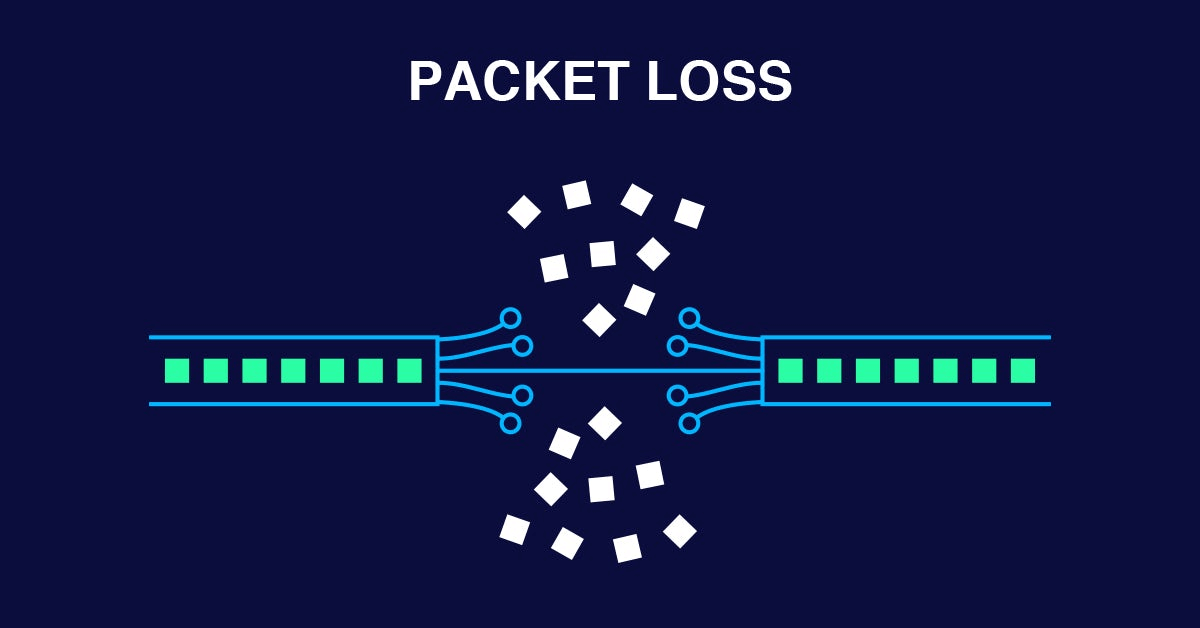
Packet loss in CS2 refers to a network issue where data packets sent between your computer and the game server fail to reach their destination. This can cause lag, rubberbanding, delayed actions, hit registration issues, and even disconnections. Among of common causes of packet loss are unstable internet connection, high network congestion, and server-side problems.
Internet Connection
The most common cause of rubberbanding is a poor or unstable internet connection. CS2 is an online game and a stable connection between you and a server is a key for good performance. If you have a bad internet connection, you might have a deal with high ping and packet loss. These things can be a reason for rubberbanding in CS2.
High-System Parameters
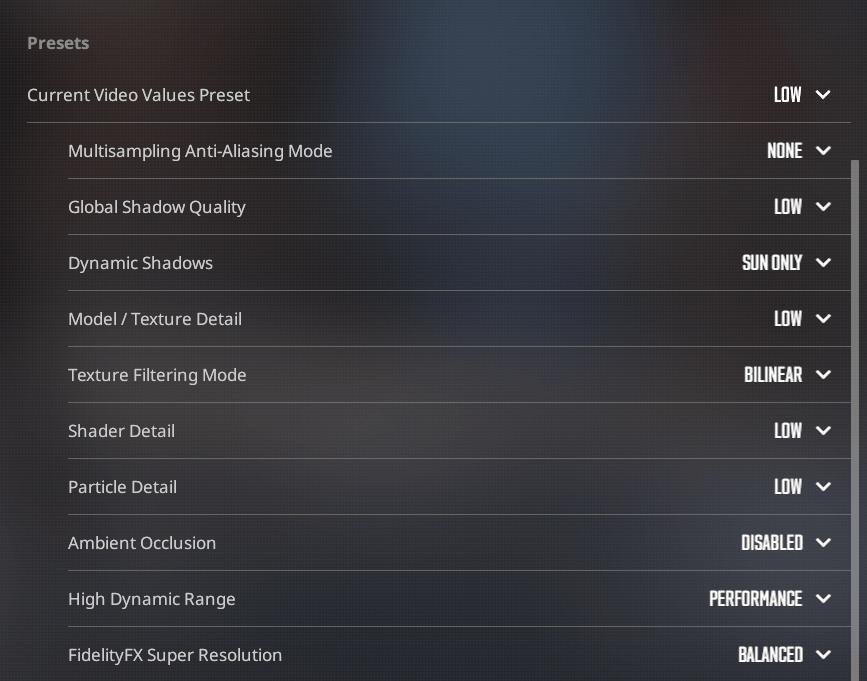
Sometimes the problem isn’t an internet connection. The high-system settings can cause stress for your system, which in turn affects your gameplay performance. If you have a bad, or mid-level PC, don’t put high settings to have a good picture. Find the optimal settings, which will fit your pc pretty well. And it will not make a rubberbanding in CS2.
How To Fix RubberBanding in CS2?
If you have Rubberbanding in CS2 without packet loss, the internet connection is a problem. Try to use these steps to fix it:
- Stabilize your connection: for example, if you’re using Wi-Fi, consider switching to a wired connection, as this provides more stability and reduces interference.
- Limit other devices: turn off the Wi-Fi on your mobile phone, tablet or laptop.
- Reduce high ping: try to choose the better server, where you have a lower ping.
In case you have the rubberbanding with low ping, it might be the packet loss reason. In this case, you need to:
- Use online tools like WinMTR or PingPlotter to check if you have a pocket loss problem. Look for dropped packets, which indicate where in the network the issue is occurring.
- Try to adjust your network settings. This could involve changing your DNS server to a faster one, upgrading your internet plan, or using gaming-specific tools to optimize routing to the server.
Check out our full guide about fixing packet loss in CS2.
Put lower graphics settings and adjusting max ping will help you to fix rubberbanding in CS2, if you have a bad PC. They will reduce the load on the system and will be able to enjoy the game to the fullest.
Sometimes servers in CS2 are the reason for rubberbanding for you. Check their status, maybe Steam is down at that moment.
If you have already tried all of these methods, try to uninstall CS2. Some players report that they do experience the rubberbanding after the update. In this guide, you will find how to verify the integrity of game files in Steam.







Write comment