
Why Bother with CS2 Chat Binds?
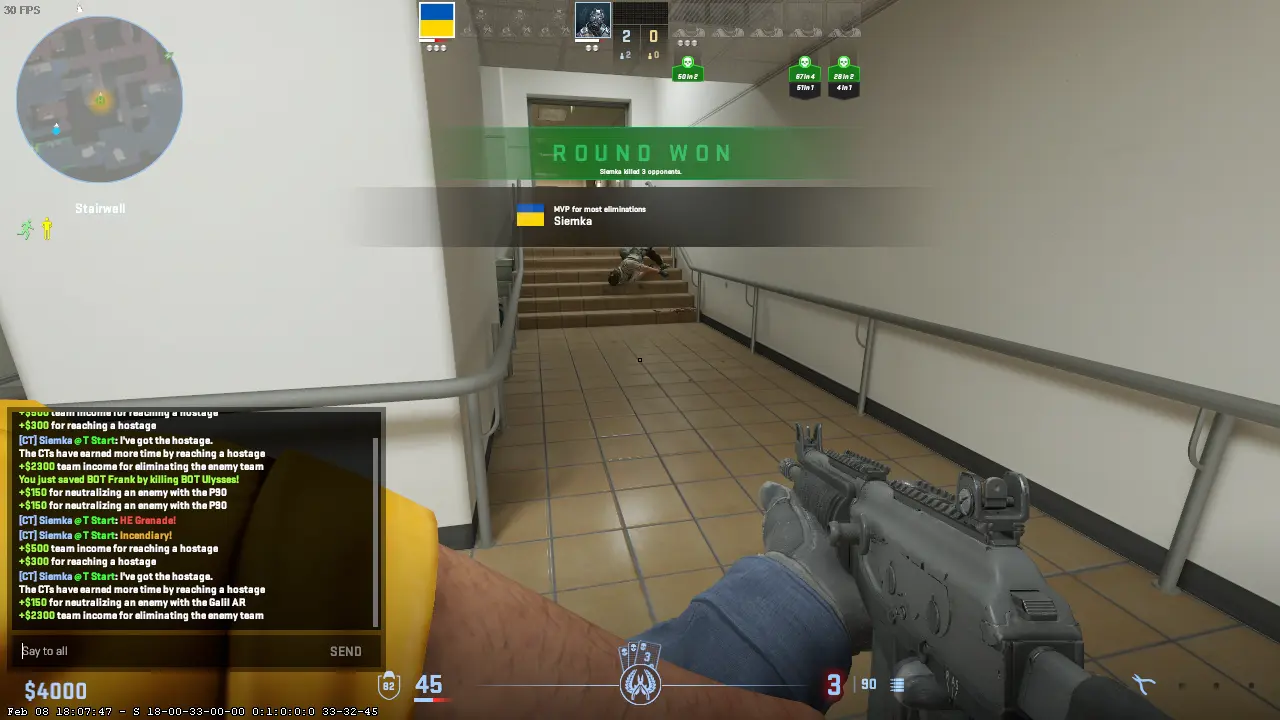
Go back to your last match that was competitive. How many times did you spend three seconds typing “eco,” “save,” or whatever? How many times did autocorrect screw up your callout?
Chat binds fix all these problems instantly. You will have consistent calls without typo errors. You will coordinate drops and turns in milliseconds. Other servers will improve communication as you will be able to talk outside language boundaries. Here’s a trick for you – you will fake strategies in all chat.
Actual players’ callouts are linked to their binds not randomly. They are considering angles and utility; however, the binds are executing those tasks. They are not divided in their attention when executing the callouts. This implies there will be no errors.
Getting Console Access First
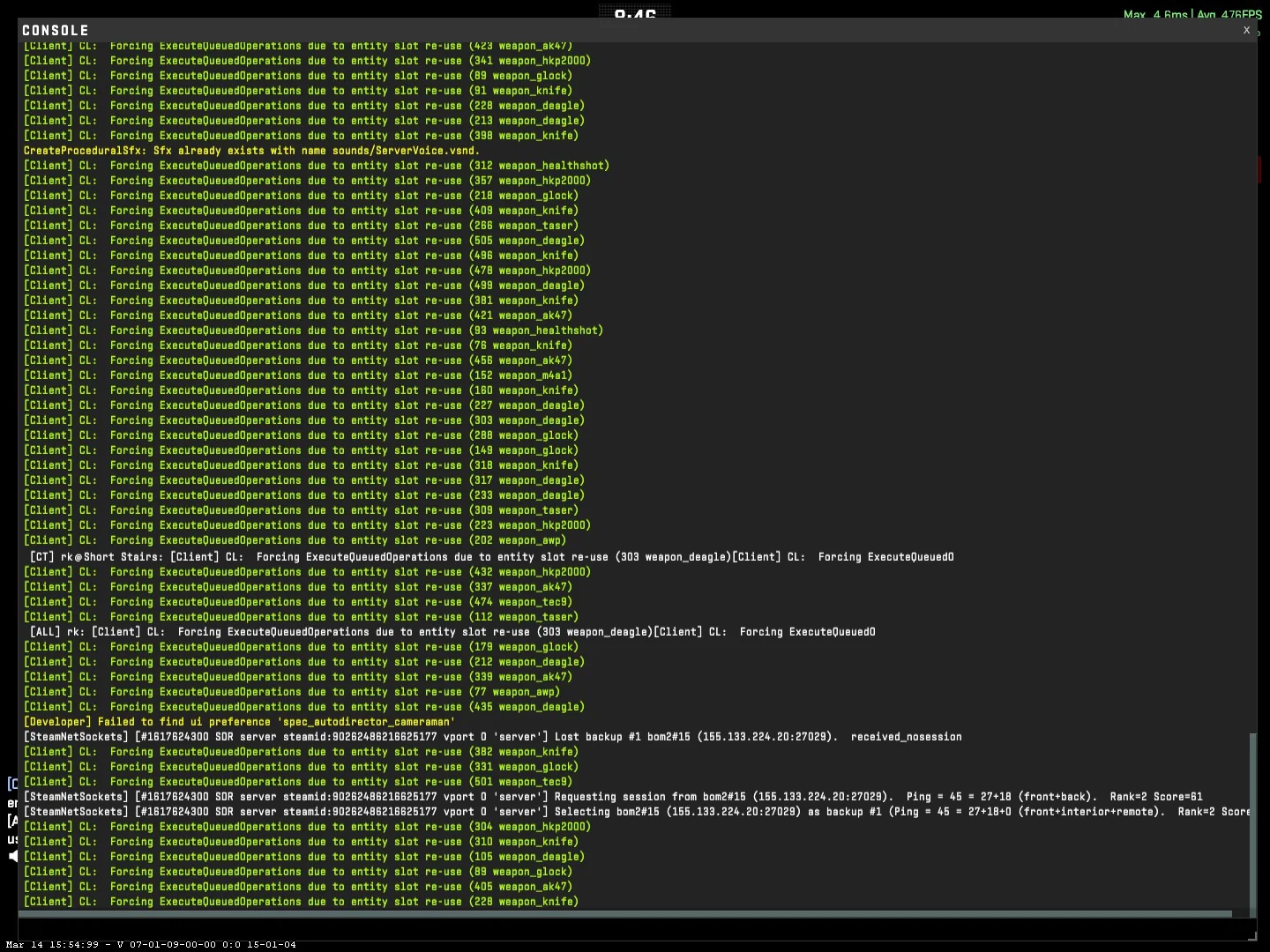
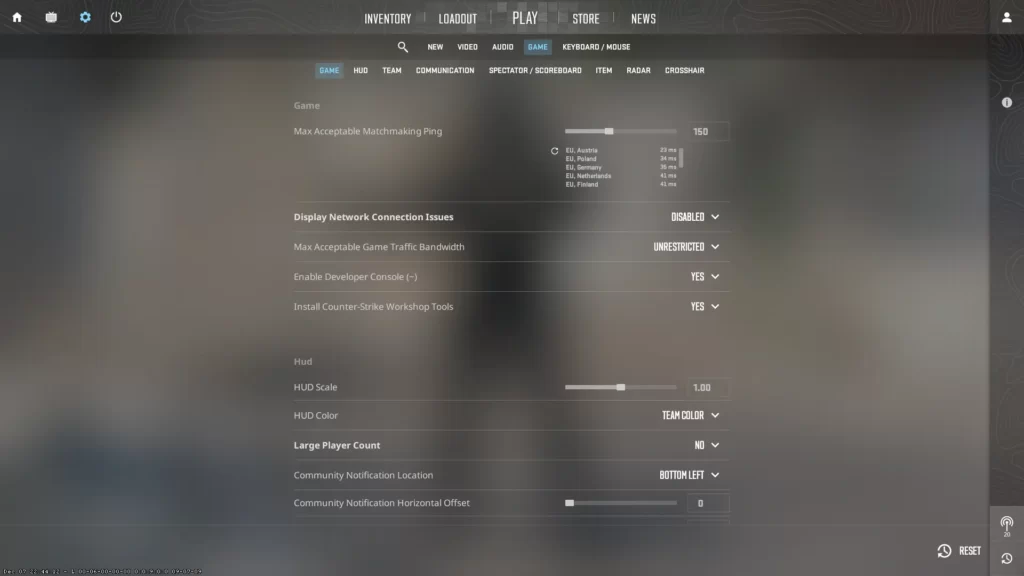
You will require that your developer console is enabled. Most people do not do this, and this is why their bind doesn’t work.
Open your Counter-Strike 2 game, then click on that gear icon in the upper left corner of your screen. Scroll down in the game settings until you see “Enable Developer Console” and change it to Yes. Your console command key is located below your Escape key on your keyboard, which is the tilde key.
Now go ahead and try it. The ~ key, you'll see, puts you into a dark background mode with white characters. This is where your command center is.
Understanding Bind Syntax for CS2 Chat
The basic structure looks like this:
bind "KEY" "say MESSAGE"
Easy enough. You can use any key for KEY and any text for MESSAGE. The "say" command will alert everyone in the server; it will even get noticed by both teams. To alert teams only, use "say_team".
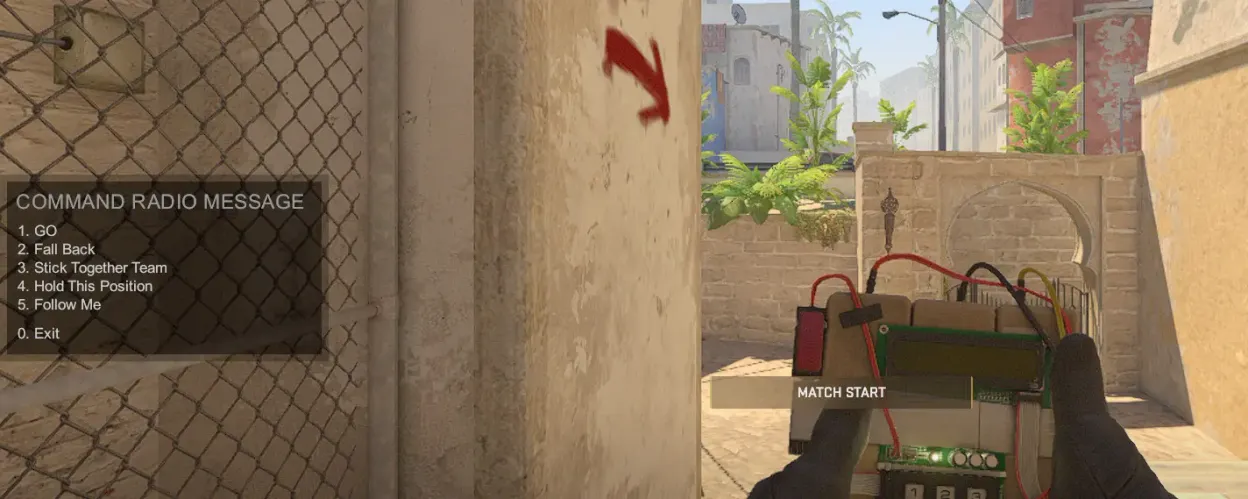
Notice something important: quotation marks matter. They're important on the console because they distinguish your key from your message. If you forget them, your action doesn't occur.
Your First Practical Bind
Start simple. Open your console and type this:
bind "k" "say Nice shot!"
Hit Enter. Now press K during a match and watch "Nice shot!" appear in all-chat. Instant gratification.
Want it for team chat only? Change "say" to "say_team":
bind "k" "say_team Need drop please"
That's the foundation. Everything else builds from here.
Essential Bind Examples You'll Actually Use
Money Talk
Economic coordination makes or breaks rounds. Bind these to function keys for quick access:
bind "F1" "say_team Saving this round"
bind "F2" "say_team I can drop"
bind "F3" "say_team Eco round - don't buy"
bind "F4" "say_team Full buy - let's execute"
One keypress tells your team exactly what's happening with the economy. No confusion, no delays.
Tactical Callouts
bind "j" "say_team They're rotating!"
bind "k" "say_team Hold your positions"
bind "l" "say_team Rush B - don't stop"
bind ";" "say_team Fake and rotate"
These save seconds during critical mid-round adjustments. You see rotation cues, you hit J, your team knows immediately.
Quick Responses
The numpad works great for acknowledgments:
bind "kp_ins" "say_team Roger that"
bind "kp_end" "say_team Negative"
bind "kp_downarrow" "say_team On my way"
bind "kp_pgdn" "say_team Cover me"
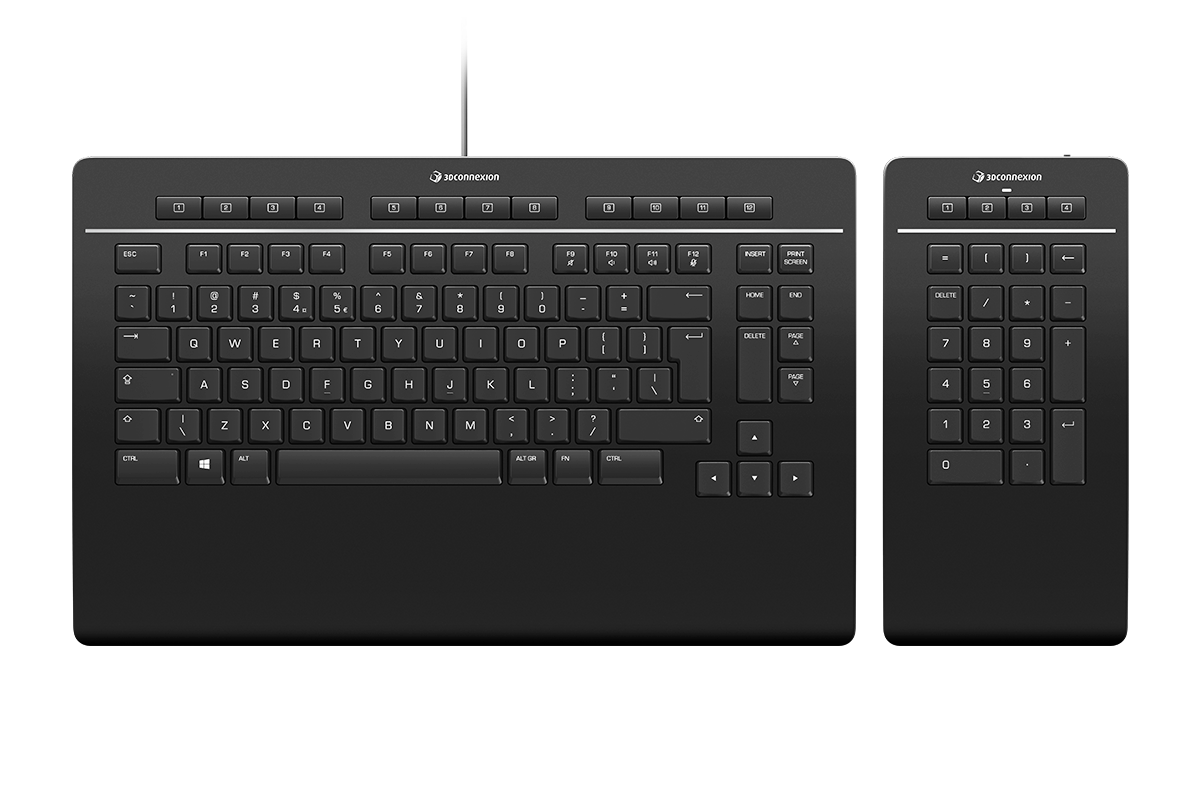
The kp_ prefix means numpad keys. So kp_ins is Numpad 0, kp_end is Numpad 1, and so on. Most players don't use numpad for movement anyway, making it perfect for binds.
Config Files: The Smart Player's Method
Typing binds one at a time gets tedious fast, especially if you're setting up twenty different messages. Config files solve this elegantly.
Navigate to your CS2 folder: Steam/steamapps/common/Counter-Strike Global Offensive/game/csgo/cfg/
Create a text file called chatbinds.cfg and dump all your bind commands in there, one per line. No console, no repetition. Save it, boot CS2, open console, type exec chatbinds and boom – every bind loads instantly.
This approach has another advantage. You can share your config with teammates or transfer it between computers. Your carefully crafted bind setup moves with you.
After Bind Etiquette
No one likes spam. Don't go binding messages that you'll spam repeatedly – that's what gets you muted. Make binds contextually interesting in competitive matches. Leave all the meme spamming and trash talk for casual play where no one cares about comms.
Test everything on a private server before going live. Click each bind, make sure the message is appearing correctly, and make sure you didn't accidentally bind over your crouch key. Embarrassing moments will ensure if you overlook this.
Information like this should always use say_team, not say. You don’t want your rotation calls going into all-chat, alerting the other side of what you’re doing.
When Binds Don’t Work
Already bound to something? CS2 automatically overwrites all previous binds when binding with CS2. If there is no interaction when pressing your bind key, then something is already using that key. Look at your regular keybind settings.
Incorrect quotation marks will silently fail this command. The console will not complain; it will simply fail to work properly. Your syntax should exactly replicate the example.
Special characters often create trouble. Use regular letters, numbers, and punctuation. Usually, if you find that your message comes through mangled or cut off, you can simplify your message.
Binds going away after you reboot the game? They're not being saved since they only last for the current play session. Put them into autoexec.cfg or your personal config file and then exec the file every time you play.
Multi-Language Support
CS2 has no problems handling Unicode characters. Messages binding in any language your server prefers – Ukrainian, Russian, Spanish, Korean, Japanese – associate messages in your preferred language.
bind "h" "say_team Здесь враг!" // Enemy here in Russian
bind "j" "say_team Ініціюємо атаку!" // Initiating attack in Ukrainian
bind "k" "say_team ¡Vamos!" // Let's go in Spanish
This is especially useful for the binding of the chat message in CS2 if the player frequently Queues on various servers that are region-based or when playing for international teams.
What Pros Actually Bind
Pro players rely a lot on comms for their gameplay; however, they always retain certain binds. Info binds work when there are five conversations going on simultaneously and a player wishes to communicate their own position over those of the enemies. Economic binds relay investment intentions publicly. Some players make use of motivation binds if they have had a tough round to change their mindset.
Timing binds for utility are highly useful. Bind a timing such as "Smoking mid in 3 seconds" to synchronize team pushes with utility timing. The all-chat version notifies your team of the timing, baiting possible enemy rotations in the process.
Combining Multiple Commands
Semicolons chain commands together:
bind "n" "say_team Smoking mid; say Smoking mid in 3 seconds"
This particular bind message to key CS2 setup sends one message to your team and another to all-chat. Your team gets the heads-up, the enemy team gets a countdown, and you executed a coordinated mind game with one button press.
Use this sparingly. Complex multi-command binds can create confusion if teammates aren't expecting them.
Final Thoughts on CS2 Bind Chat Message
Learning how to use the binds for text messages in CS2 takes five minutes. Mastering the art of knowing when and how to use the binds takes longer. You can begin with learning three or four critical messages. These may include your eco call message, your message asking for the drop, and your message acknowledging the communication.
Practice using these in casual play before making the button that binds feel like second nature. Your muscle memory requires time to adapt the new binds to what you already do. Don't try to learn twenty binds at once.
All of these bind functions are in addition to voice comms, not replacing them. The bind chat CS2 functions are used during critical stages where you cannot speak, for very short coordination that does not require discussion, or where you are sending the same piece of information. And once your binds become second nature to you, you won't believe how you ever played without them. That split-second delay, that split-second call-out, that split-second execute – yes, those things matter.






Write comment