

The Main Ways to Find Out How Much Damage You Did in CS2
Players can apply several methods CS2 shows the damage done. The easiest option to learn about your performance is to look at the stats screen which is displayed after the round is concluded. Along with other useful data, you also see the data representing how much damage you have inflicted.
The end-of-round screen may seem too overloaded with information, however, it is actually easy to grasp the essentials after you get used to it a bit. The column you need to look at is on the right side of the table: it represents the total damage dealt by the player.
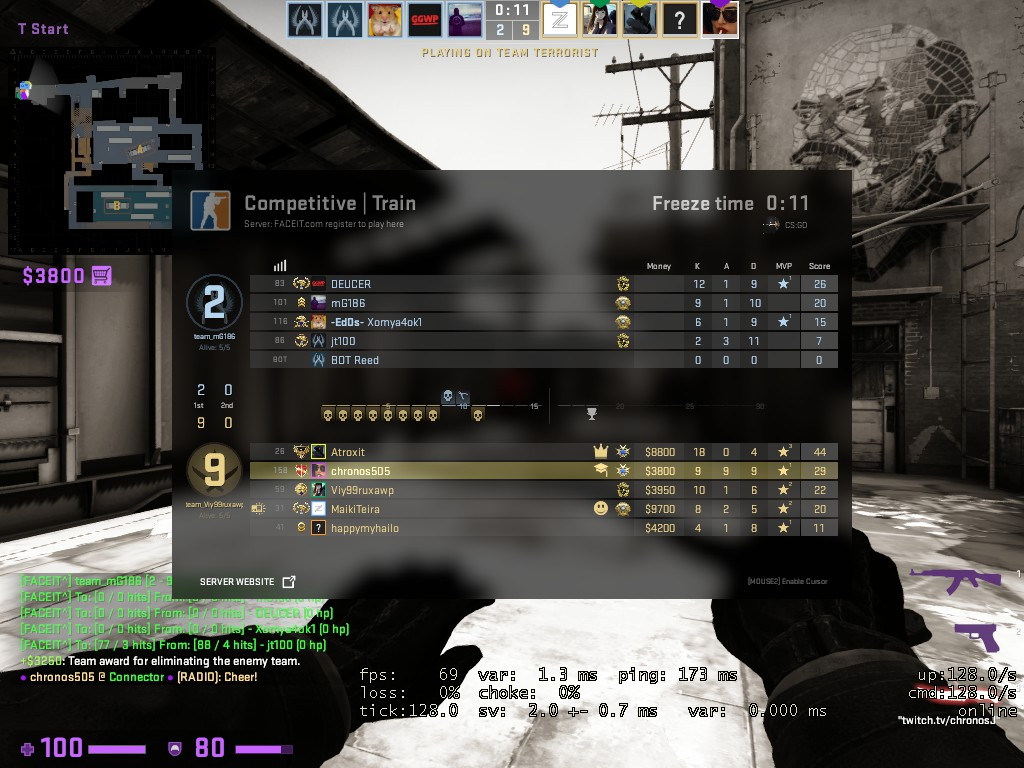
Moreover, you will find the avatars of the players at the top of the screen. Under your avatar, you may find a green and black shape with two numbers, representing the damage dealt and received. The first number in each part represents the damage, the second – the number of shots it was dealt with. For example, “100 in 2” will mean that the player did 100 damage in two shots.
After the match concludes, you can also look at the final stats screen, where you can find Average Damage per Round.
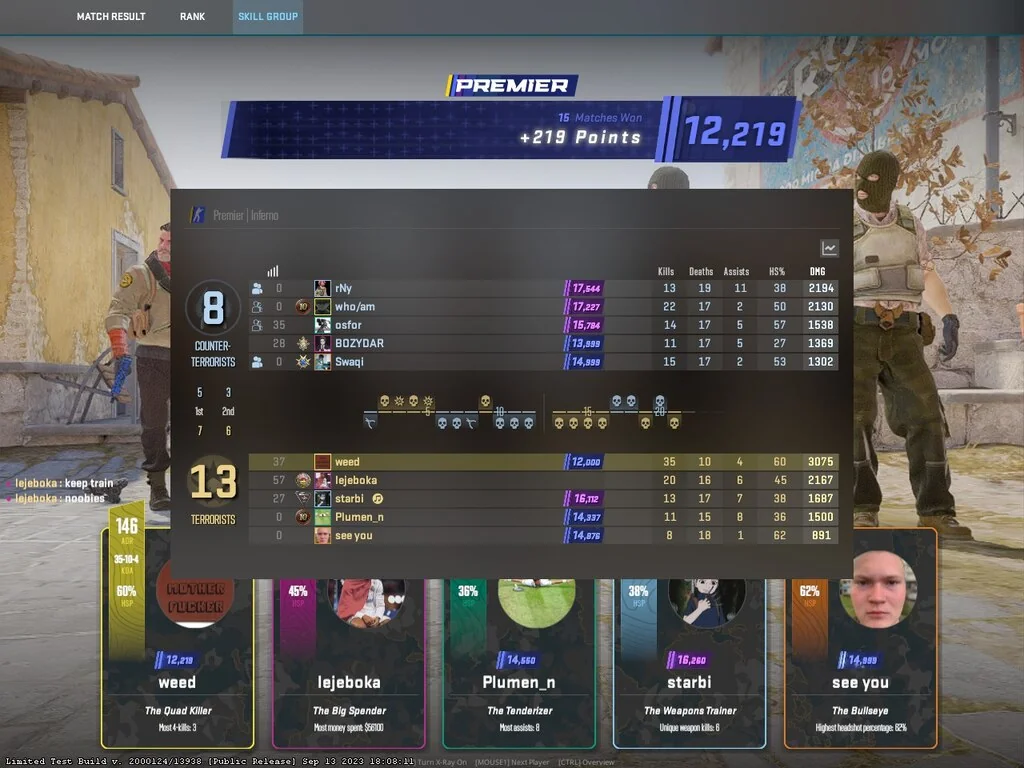
Generally, the higher is the number, the better, as it represents your direct impact onto the game result. However, you should remember that in some roles, such as in-game leader, support player or lurker, players tend to generally deal less damage, as they have less opportunities to directly engage with the opponents during the match. It is important to not only know how to see damage in CS2, but also to analyze it correctly, taking account of your role in the team and your goals in a particular match.
There was also an option to show damages through the console in CS2 by pressing TAB, however, currently it is not operational anymore. As a result, currently you cannot get live information about your effectiveness in the course of the round or relay such information to your teammates. You will get access to it only after the round ends, so you can quickly analyze it, discuss with other team members and make necessary adjustments for the next round.
If you know how to check your damage dealt in CS2, you can always use it to become a better player in the future.






Write comment