
What is StatTrak in CS:GO/CS2?
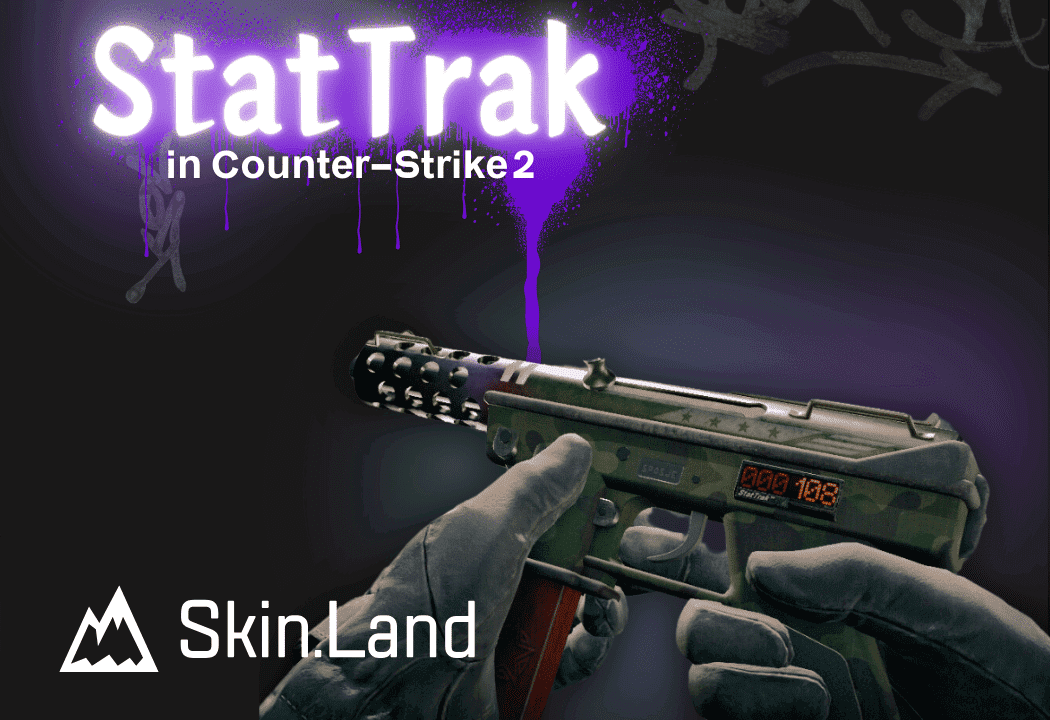
StatTrak is a special edition of a skin that includes a physical kill counter, usually attached to a handguard, a barrel or to a lower receiver. This attachment looks like an old-school dial, and it automatically refreshes with each kill made with the StatTrak weapon, but games against bots don’t count. Also, if someone else picks up a StatTrak gun midgame, then the kill counter will display an “ERROR!” message. As for knives, the StatTrak edition will have a carved out number of kills on the blade, and don’t worry, those engravings won’t affect the skin’s float or value.
It is all worth mentioning that a StatTrak version of a skin is pretty much always more expensive than the regular one, no matter if it’s a gun or a knife. Well, that is if they’re both of the same wear level. With a purchase of a previously owned StatTrak skin, the value on a kill counter will automatically reset. So, if you ever want to reset your StatTrak skin, just put it on the market for a ridiculously huge sum of money and then take it off and your skin will be back to square one.
Is StatTrak Worth It?
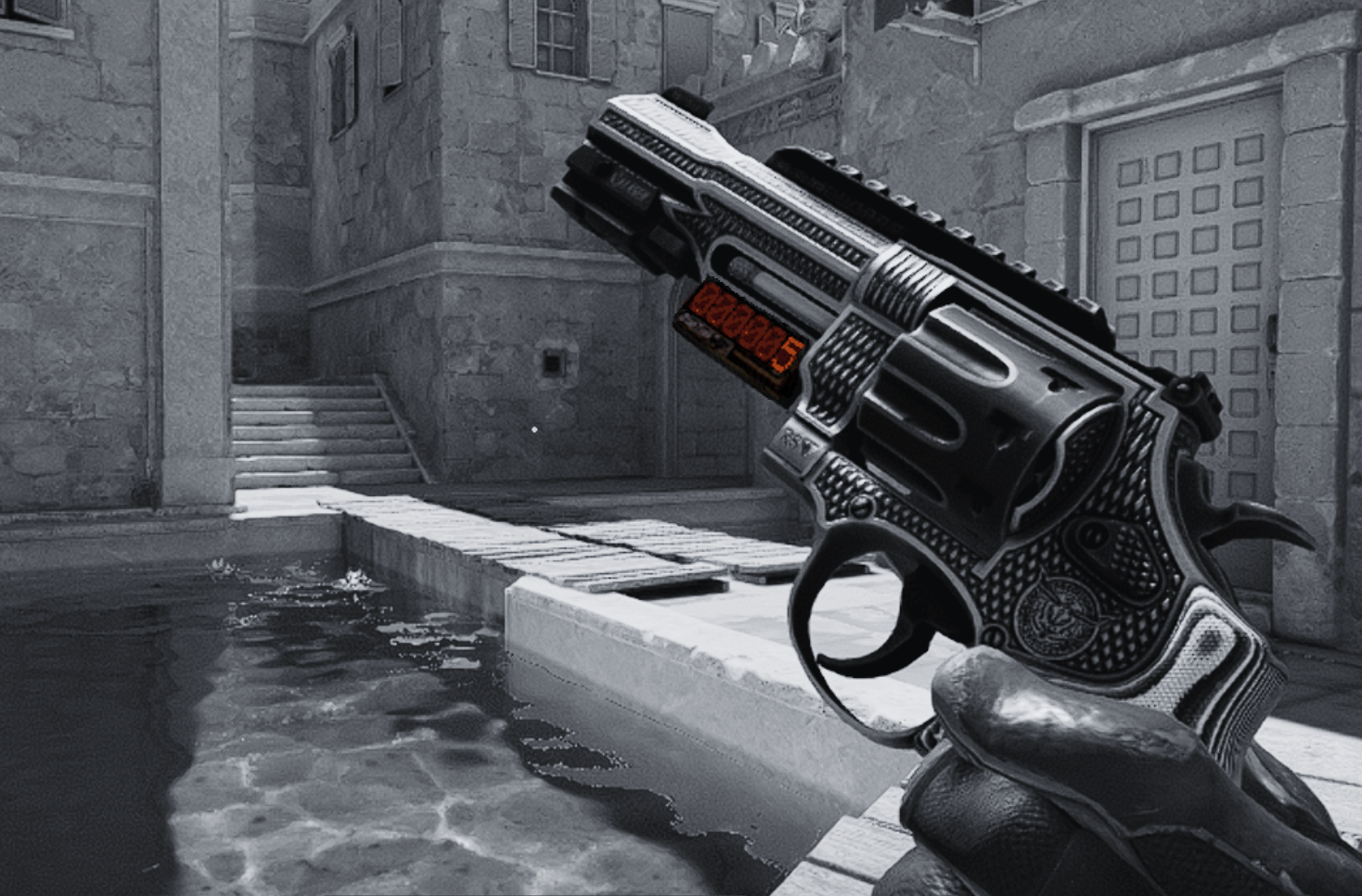
It is definitely worth it. The StatTrak skins are generally more desired and can potentially bring you more profit if you choose to resell them later. Buying a StatTrak skin over a regular one is a cool way to personalize your weapon, but also it may help with finding out how effective you are with a certain weapon. I have an R8 Revolver that I’ve used like once, and it only has 5 confirmed kills, which tells me that I should definitely sell it. If you didn’t know, the StatTrak data does not migrate from one skin to another, so if you have two separate skins for the same weapon, the value will stay the same on the one skin that you barely use. But if you cherish those digits and want to keep it going, you can transfer the data via StatTrak swap tool.
How Does StatTrak Swap Tool Work in CS2?
The StatTrak Swap Tool is a purchasable utility that allows to transfer the kill count from one skin to another, and it can be bought from Steam or a third-party vendor for a cheaper price. The Swap Tool was added to the game on March 31, 2015 and ever since then it has been the only utility that allows to migrate your StatTrak data from one skin to another. However, it can only be done with two skins of the same weapon. You cannot transfer the kill count from your StatTrak Commemoration Famas to a StatTrak Atheris AWP. Also, it is a single-use item, so make sure you know what you’re doing. 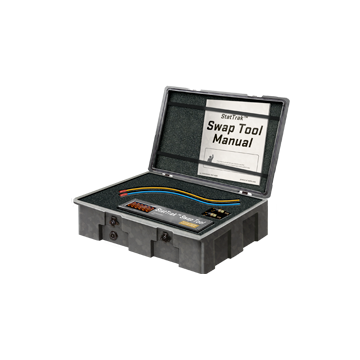






Jiu
cheers mate
Write comment