

Lowest Float Gloves in CS2
While weapon skins can reach float values with nine or ten zeros, gloves in Counter-Strike 2 operate under a different mathematical limit. Almost all gloves are hard-capped at a minimum float of 0.06.
This makes the race for the "lowest float" glove much tighter and significantly more expensive, as the difference between #1 and #10 might only be a few ten-thousandths of a decimal point.
In the current market, the title of "Lowest Float" is usually tracked per specific model rather than a single global pair, but the two most legendary records are held by the Sport Gloves family:
Sport Gloves | Pandora's Box - 0.06001xx
Sport Gloves | Vice - 0.06002xx
Specialist Gloves | Crimson Kimono - 0.06004xx
Lowest Float Knife in CS2
Karambit | Doppler (Sapphire) is the uncapped king among knives with the lowest float. While some knives have more zeros, the #1 float Karambit Sapphire is the "Holy Grail" because of the "Pixel Corner." Karambits are notorious for having scratches on the corner of the blade handle even at 0.007 float.
The #1 world record holder is one of the only Sapphires in existence with a mathematically perfect, scratch-less corner. It is currently held by a private collector in China who has reportedly turned down offers exceeding $45,000.
Is Low Float Always Better?
Actually, no! While the "Lower is Better" rule is the gold standard for 99% of skins, there are some fascinating exceptions where a high float (Battle-Scarred) is actually more desirable, more expensive, or visually superior.
Valve has designed several skins where high wear reveals a completely different design. For example, a high float of P90 | Death by Kitty reveals a hidden "skull" pattern that isn't visible on a clean Factory New version. Or in case of M4A1-S | Night Terror, the float increases, the face on the body becomes more "distorted" and creepy, which many players prefer for the "horror" aesthetic.
How To Check the Lowest Float in CS2?
Whether you’re checking a skin in your own inventory or hunting for a world record on the market, checking floats in 2026 has become much more streamlined.
You don’t need any external tools to see a basic float value.
Right-click the skin in your inventory.
Select Inspect.
Click the small "i" icon (Information) at the bottom right of the screen.
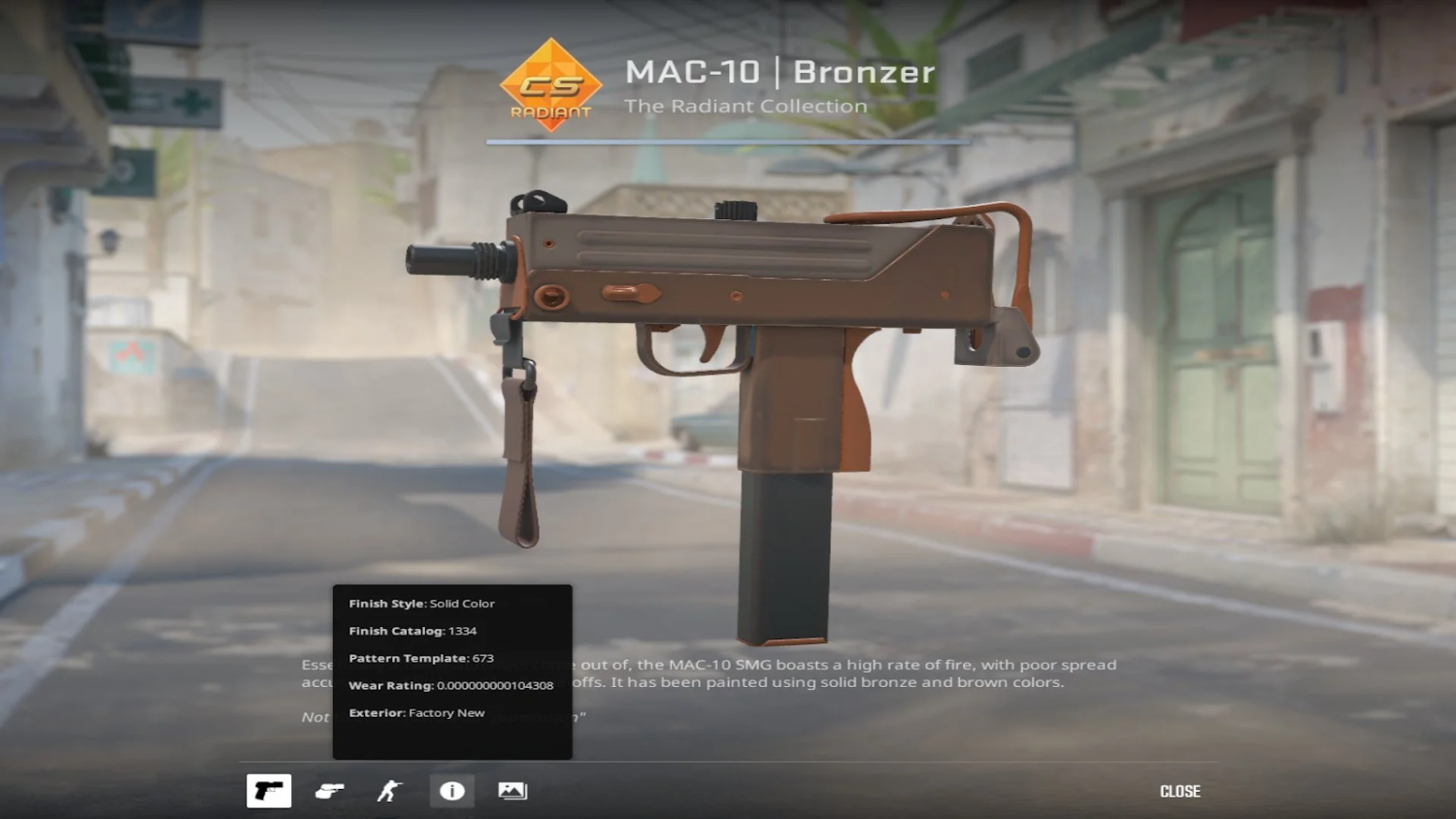
The Wear Rating is your float value. In CS2, this is displayed up to several decimal places directly in the UI.







Write comment