
apEX CS2 Mouse Settings - Sensitivity and DPI
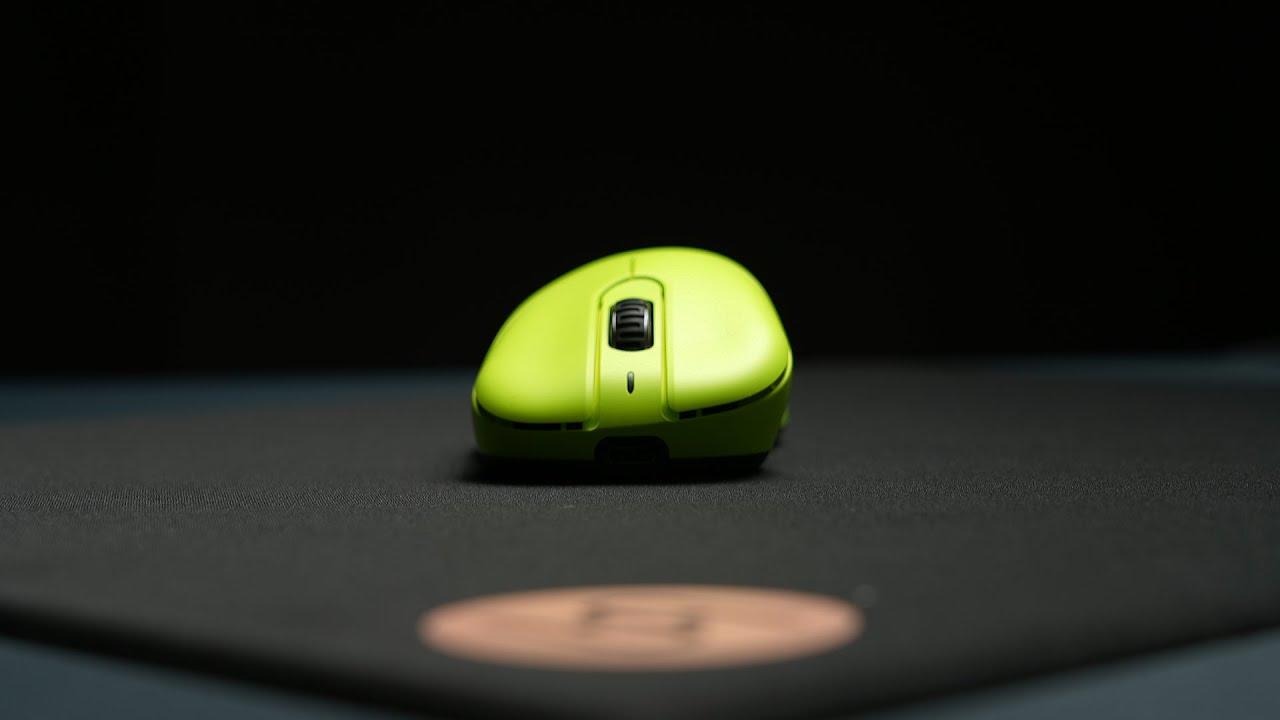
Currently, Dan plays with VAXEE E1 Wireless Fluorescent Green. This is a new mouse from a popular brand, specially designed for esports.
Mouse: VAXEE E1 Wireless Fluorescent Green.
DPI: 400
Sensitivity: 1.91
eDPI: 764
Zoom Sensitivity: 1
Hz: 1000
Windows Sensitivity: 6
Overall, he has common mouse settings, which are very popular among all players, especially old ones. Despite his mouse having a high polling rate, apEX still prefers to play with a common 1000 HZ.
These settings are pretty useful, so you can try them without any doubts. They’re very playable and suitable. Don’t know how mouse settings work? Check out our guide here.
apEX Crosshair Settings for CS2
apEX crosshair is classic static and colored Yellow. You can enable it by entering a crosshair code CSGO-US8wR-VECem-xkyHs-Vz5CY-wwXsO, or by copying the following parameters manually:
Style: Classic Static
Follow Recoil: No
Dot: No
Length: 1.5
Thickness: 1
Gap: -2
Outline: No
Color (RGB): Yellow
Red: 0
Green: 255
Blue: 0
Alpha: Yes
Alpha Value: 200
T Style: No
Deployed Weapon Gap: No
Sniper Width: 0
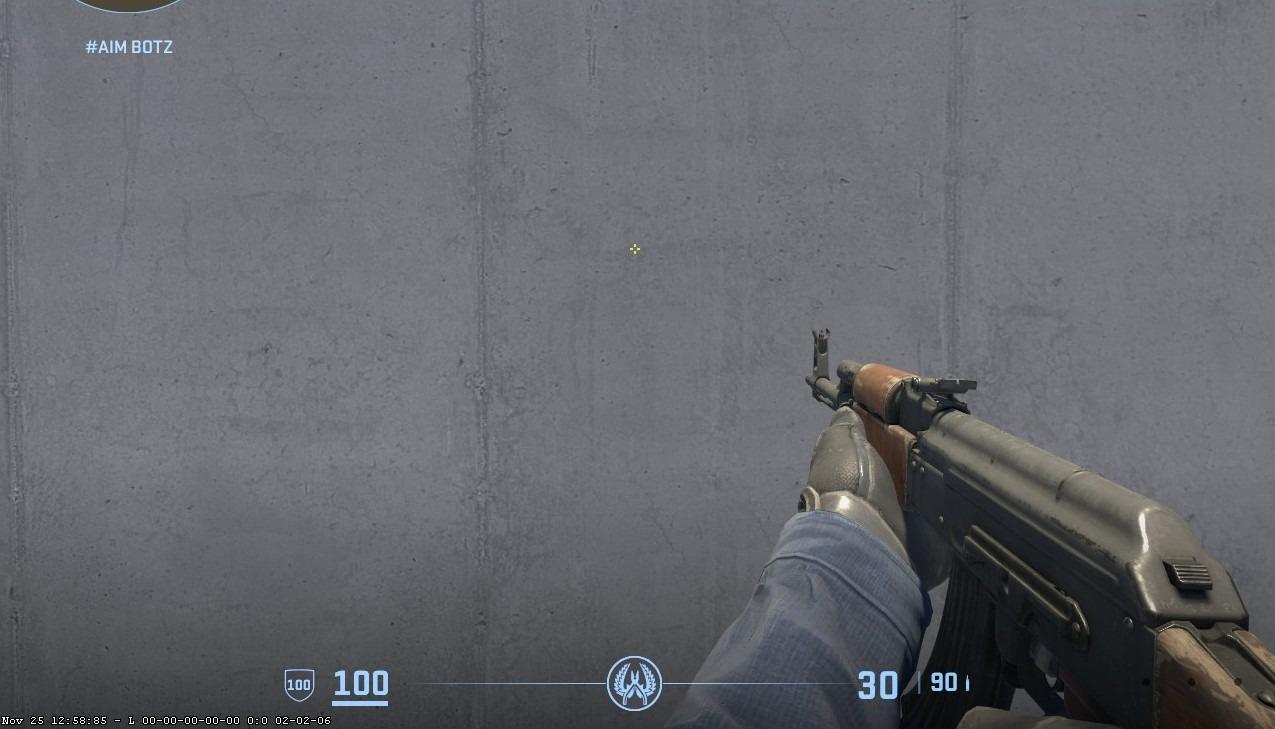
His crosshair suits those players who like to play on bright screen settings. But in general, it is quite versatile, so you can safely try it in any setting. If you want to explore other options, check out our guide for the best CS2 crosshair codes here.
apEX Video Settings for CS2
The Vitality IGL plays with quite common video settings. Most of the texture settings are low because the high ones do not affect the game, but his shadow quality is high. apEX resolution is also very popular among other players: 4:3 stretched to 1280x960.
Boost Players Contrast: Disabled
Model/Texture Detail: Low
Shader Detail: Low
Particle Detail: Low
Texture Filtering: Anisotropic 16x
Anti-Aliasing: 2x MSAA
Shadow Quality: High
Dynamic Shadows: All
Ambient Occlusion: Medium
FidelityFX Super Resolution: Disabled (Highest Quality)
V-Sync: Disabled
NVIDIA Reflex Low Latency: Disabled
NVIDIA G-Sync: Disabled
High Dynamic Range: Quality
Resolution: 1280*960
Aspect Ratio: 4:3 stretched
Mode: Fullscreen
Scaling Mode: Stretched
Brightness: 100%
apEX Monitor Settings for CS2
The Vitality player currently uses a BenQ Zowie XL2546K monitor. It’s the old one, but many pro players still use this monitor. His video settings will suit many players, so don’t hesitate to try them.
Here you can find apEX monitor settings:
DyAc: Premium
Black eQualizer: 12
Color Vibrance: 10
Low Blue Light: 0
Picture Mode: FPS 2
Brightness: 100
Contrast: 50
Sharpness: 10
Gamma: Gamma 3
Color Temperature: User Define
Red: 84
Green: 84
Blue: 100
AMA: high
apEX Viewmodel Settings for CS2
The CS2 veteran prefers to play with no common viemodel settings. Main differences: fov 60 and presetpos 1. But you should try it, because these settings make aiming and shooting convenient and ensure that the weapon model doesn’t obstruct too much of the field of view.
viewmodel_fov 60
viewmodel_offset_x 2
viewmodel_offset_y 2
viewmodel_offset_z -2
viewmodel_presetpos 1
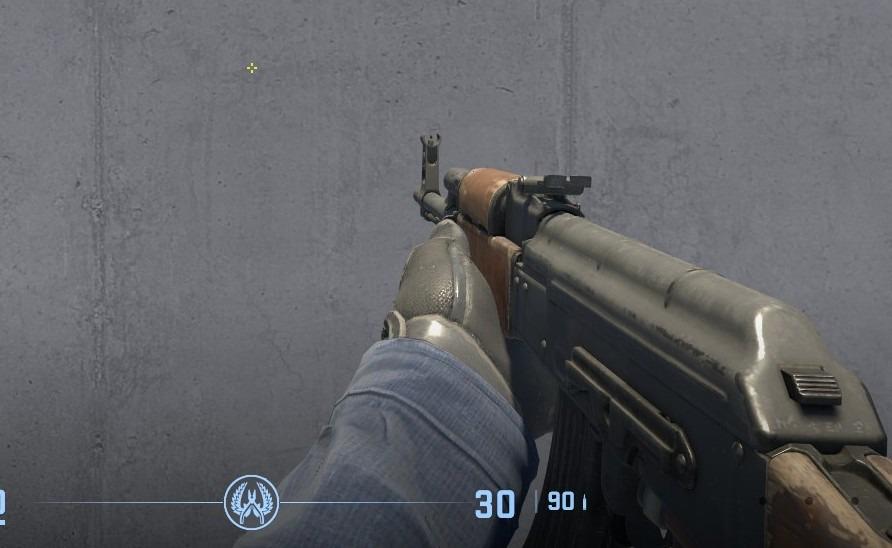
It’s also useful to learn how viewmodel settings work to adjust them to your preference.
apEX Launch Options for CS2
Despite being a representative of the new generation of gamers, who like to use different settings for increasing performance, apEX doesn’t use any kind of common launch options for CS2.
If you’re looking for the best CS2 launch options, check out our guide.
apEX Radar Settings for CS2
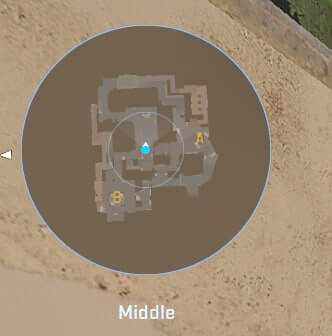
His radar centers on the player and rotates at the same time. Use the following settings to try out for yourself what playing with the apEX radar settings feels like.
Radar Centers The Player: Yes
Radar is Rotating: Yes
Toggle Shape With Scoreboard: Yes
Radar Hud Size: 1
Map Zoom: 0.7
apEX Audio Settings for CS2
apEX’s audio settings in CS2 are fine-tuned for maximum clarity and positional awareness. He likely uses stereo headphones with low reverb and boosted high frequencies to hear footsteps and gunshots.
Master Volume: 100%
Audio Device: Default
EQ Profile: Natural
L/R Isolation: 0%
Perspective Correction: Yes
Play Audio When Game in Background: No
Main Menu Volume: 20%
Round Start Volume: 0%
Round Action Volume: 0%
Round End Volume: 40%
MVP Volume: 30%
Bomb/Hostage Volume: 20%
Ten Second Warning Volume: 20%
Death Camera Volume: 30%
Mute MVP Music when players on both teams are alive: No
apEX Skins
The Major winner has one of the most expensive inventories among CS2 players. The list of prestige skins consists of:
Since Team Vitality and Skin.Land became official partners, the CS players of the French club use our website as a main platform to buy skins. Watch this video for more information about the website from apEX. He’s actively using our platform to buy news skins for his collection.
At Skin.Land, you will find a wide selection of skins from pro players' collections, available for you to buy quickly, securely, and for an affordable price.







Write comment