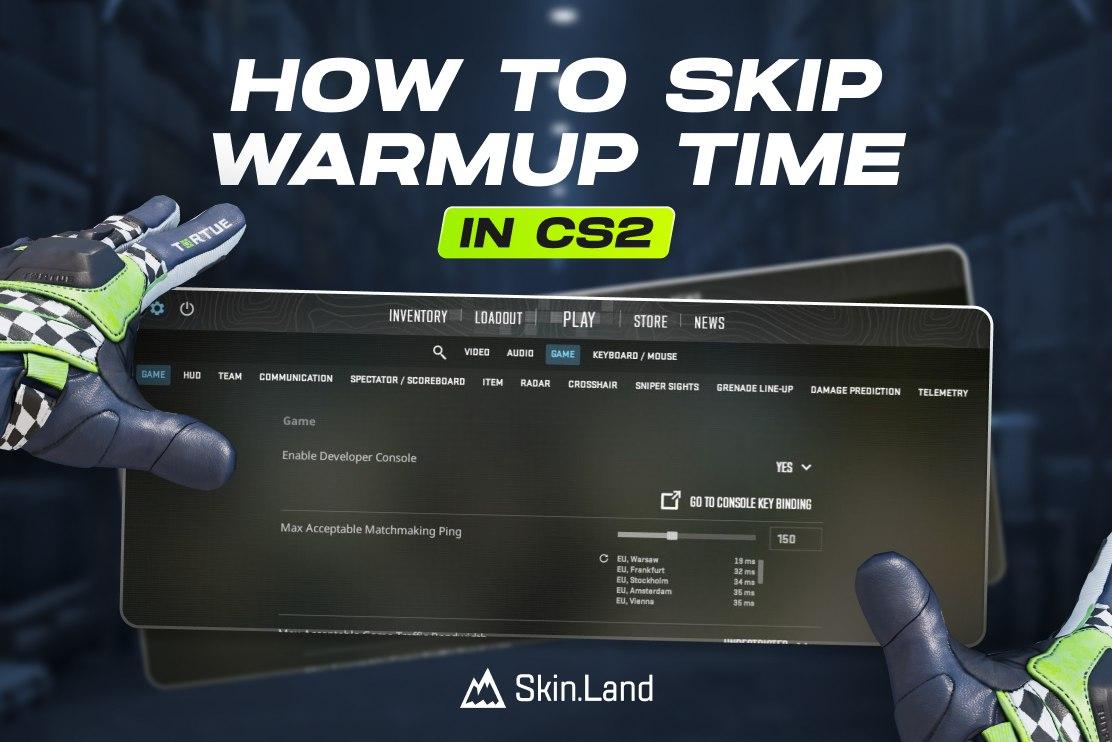

Enable the Developer Console
Before you can use the cs2 skip warmup commands, you must ensure your developer console is active.
Open Settings (the gear icon).
Navigate to the Game tab.
Find Enable Developer Console (~) and set it to Yes.
Press the tilde key ~ on your keyboard to open the console.
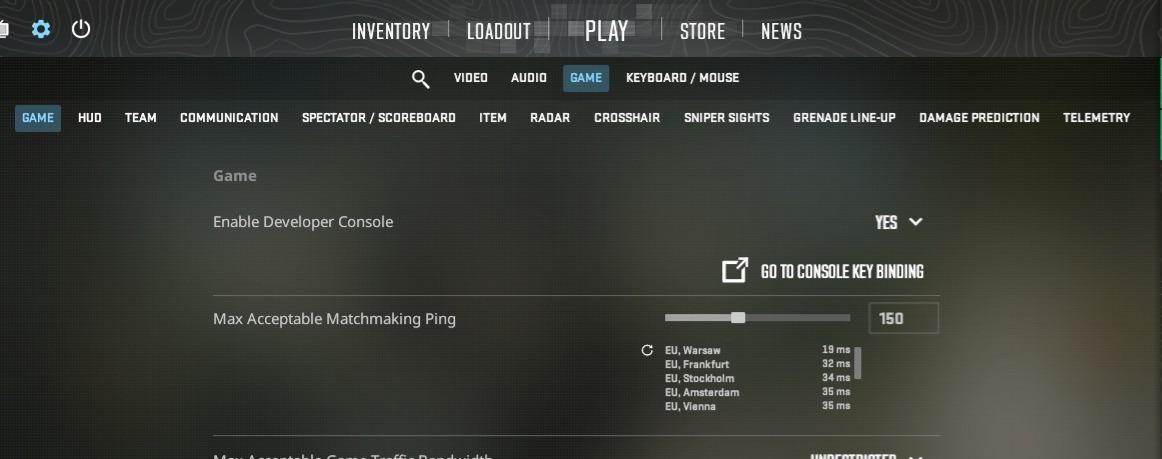
Enable the Developer Console
The Command to End Warmup in CS2
To instantly cut the timer and start the match, follow these steps:
Open the console.
Type the following command and press Enter: “mp_warmup_end”
As soon as you execute this, the warmup period will terminate, and the match (or practice round) will begin immediately.
How to Turn Off Warmup Entirely
If you are hosting a local server and want to turn off warmup CS2 from the very beginning so it never triggers, use this command:
mp_do_warmup_period 0
Useful CS2 End Warmup Commands for Practice
If you are in a practice environment, you might want more control than just skipping the timer. Here are the most relevant commands for a smooth setup:
mp_warmup_end: Ends the current warmup immediately.
mp_warmup_pausetimer 1: Pauses the warmup timer indefinitely.
mp_wartime (9999): Changes the duration of the warmup to 9999 seconds.
sv_cheats 1: Required for many practice commands (noclip, infinite ammo).
mp_restartgame 1: Restarts the match if you need a fresh start after skipping warmup.
How To Use Console in CS2
Check out our complete guide on how to open and use the console in CS2. Here you will find more useful commands for both practice and competitive modes in the game.







Write comment