
What is a StatTrak Swap Tool in CS2?
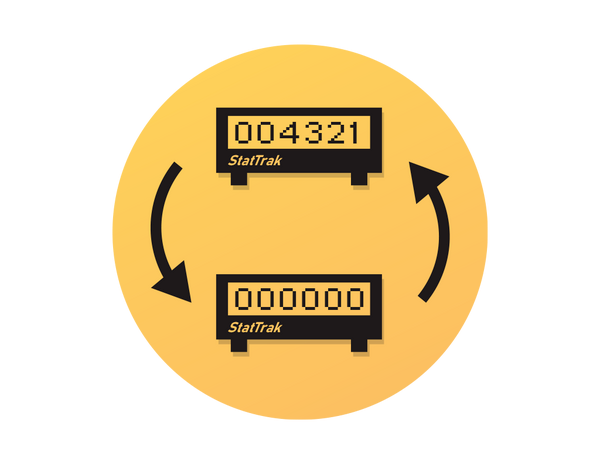
A StatTrak Swap Tool is a special in-game item that allows players to transfer StatTrak kill counts from one weapon to another of the same type. For example, you can move your 10,000 AK-47 kills from one StatTrak AK-47 skin to another, keeping your progress intact.
This tool is handy for players who upgrade to a new skin but don’t want to lose their accumulated kills. It only works between StatTrak-enabled weapons of the same category, and each tool can be used once. After using it, your old weapon’s counter resets to zero, while the new one inherits the transferred kills.
How Does the StatTrak Swap Tool Work?
The StatTrak Swap Tool iworks by linking two StatTrak™ weapons of the same type and transferring the kill count from one to the other. Once activated, it permanently moves the StatTrak™ stats, such as total kills, from your old weapon to your new one.
How to Use StatTrak Swap Tool
It’s quite simple to use this tool. Here’s how to do it:
Open your inventory in CS2 and find the StatTrak Swap Tool item.
Activate the tool by right-clicking on it and selecting “Use.”
Select your source weapon. A StatTrak™ skin that currently has the kills you want to transfer.
Choose your target weapon. It must be another StatTrak™ version of the same weapon type (for example, M4A4 to M4A4).
Review your choices carefully. Once confirmed, the transfer is permanent.
Confirm the swap. The kill count instantly moves to your new skin, and the old one resets to zero.
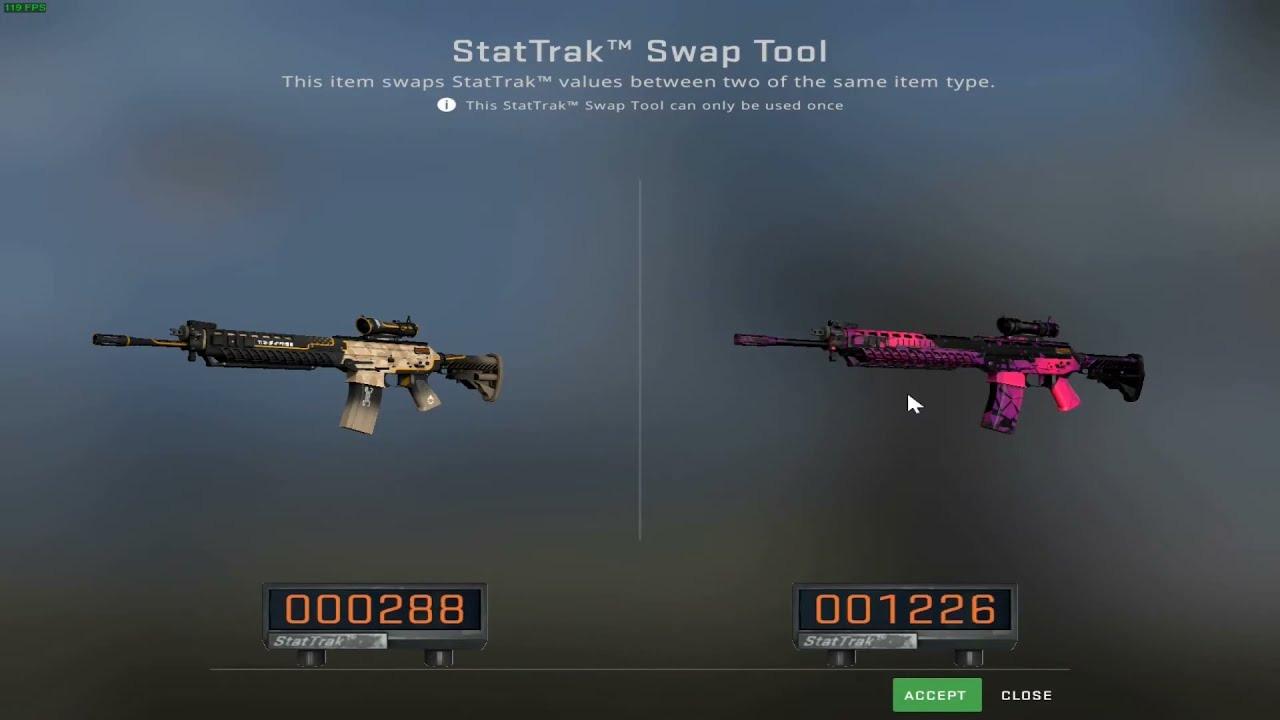
That’s it, quite simple and quick. But don’t forget that this StatTrak swap works only for the same type of weapon. So you can’t transfer kills from AK-47 to M4A1-S.
StatTrak Swap Tool Price
The basic price for 2-pack version in Valve’s store is about $0,99, while on Steam Community Market, you can buy the default one for $0,52. As of the latest info, individual tools aren’t sold directly in the store, but only through the Steam Market.
The best place to buy StatTrak Swap Toll is a Skin.Land. On our website, we offer competitive prices, so you can grab it for around $0.90.
Here, at Skin.Land, you can safely buy and sell skins, using different payment methods.
CS2 StatTrak Swap Tool FAQ
Can you use StatTrak Swap Tool on music kits?
No, you can’t use it for music kits. The tool only works with StatTrak weapons of the same type. While StatTrak™ Music Kits also track stats like MVPs, they cannot be linked or swapped using this tool.
How does StatTrak Swap Tool work with knives?
The StatTrak Swap Tool works the same with knives as with regular weapons. It transfers StatTrak™ kills from one knife to another of the same knife type.
What is a StatTrak Swap Tool two-pack?
A StatTrak Swap Tool Two-Pack is simply a bundle that contains two StatTrak Swap Tools in one purchase.
What to do if StatTrak swap tool is not working?
If your StatTrak Swap Tool is not working, there are several common reasons and solutions to try:
Check Weapon Compatibility
Ensure the Tool Is Unused
Verify Inventory and Connection
Restart CS2
Update CS2
Always double-check weapon type, StatTrak™ status, and tool usage before swapping. Most failures happen due to incompatible items or already-used tools.







Write comment