
ZywOo CS2 Mouse Settings - Sensitivity and DPI
Right now, ZywOo use his own mouse - Pulsar ZywOo The Chosen Mouse Black. But according to reviews from pro players, this is one is real deal. Wireless, has a good shape, stable sensor - all what the pro player in CS must have.
Here are the ZywOo mouse settings he usually applies:
- Mouse: Pulsar ZywOo The Chosen Mouse Black
- DPI: 400
- Sensitivity: 2
- eDPI: 8000
- Zoom Sensitivity: 1
- Hz: 1000
- Windows Sensitivity: 6
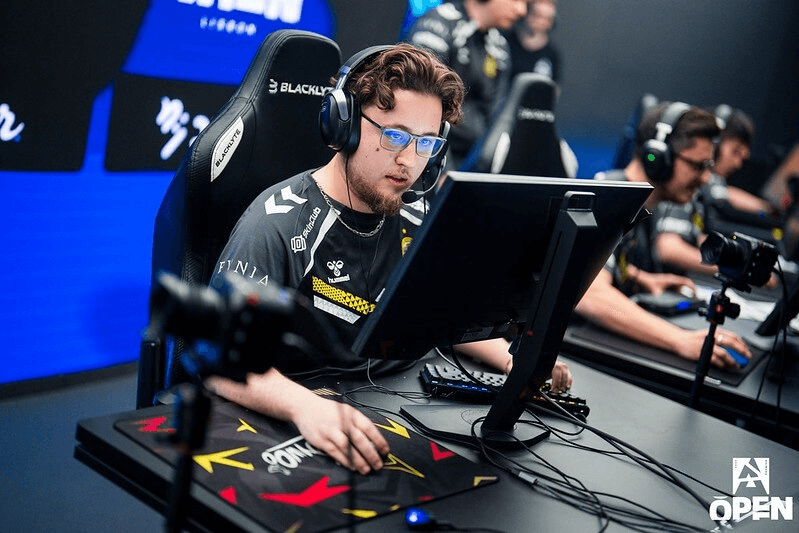
ZywOo has a common sniper DPI and Sensitivity. It’s more similar to m0NESY than to s1mple. Also he uses 4000 HZ polling rate, while many Logitech mouses still don’t have it. If you’re a sniper or want to become one, try ZywOo settings - they are very playable. If you wonder how mouse settings in CS2 work in this guide.
ZywOo Crosshair Settings for CS2
ZywOo crosshair is static and colored cyan. You can enable it by entering a ZywOo crosshair code CSGO-Xi4NX-WUD8O-kRLD7-JJrYj-EGnfO or by copying the following parameters manually:
Style: Classic static
Follow Recoil: No
Dot: No
Length: 2
Thickness: 0
Gap: -3
Outline: No
Color (RGB): Cyan (Red 0; Green 255; Blue 0)
Alpha: Yes
Alpha Value: 255
T Style: No
Deployed Weapon Gap: No
Sniper Width: 0
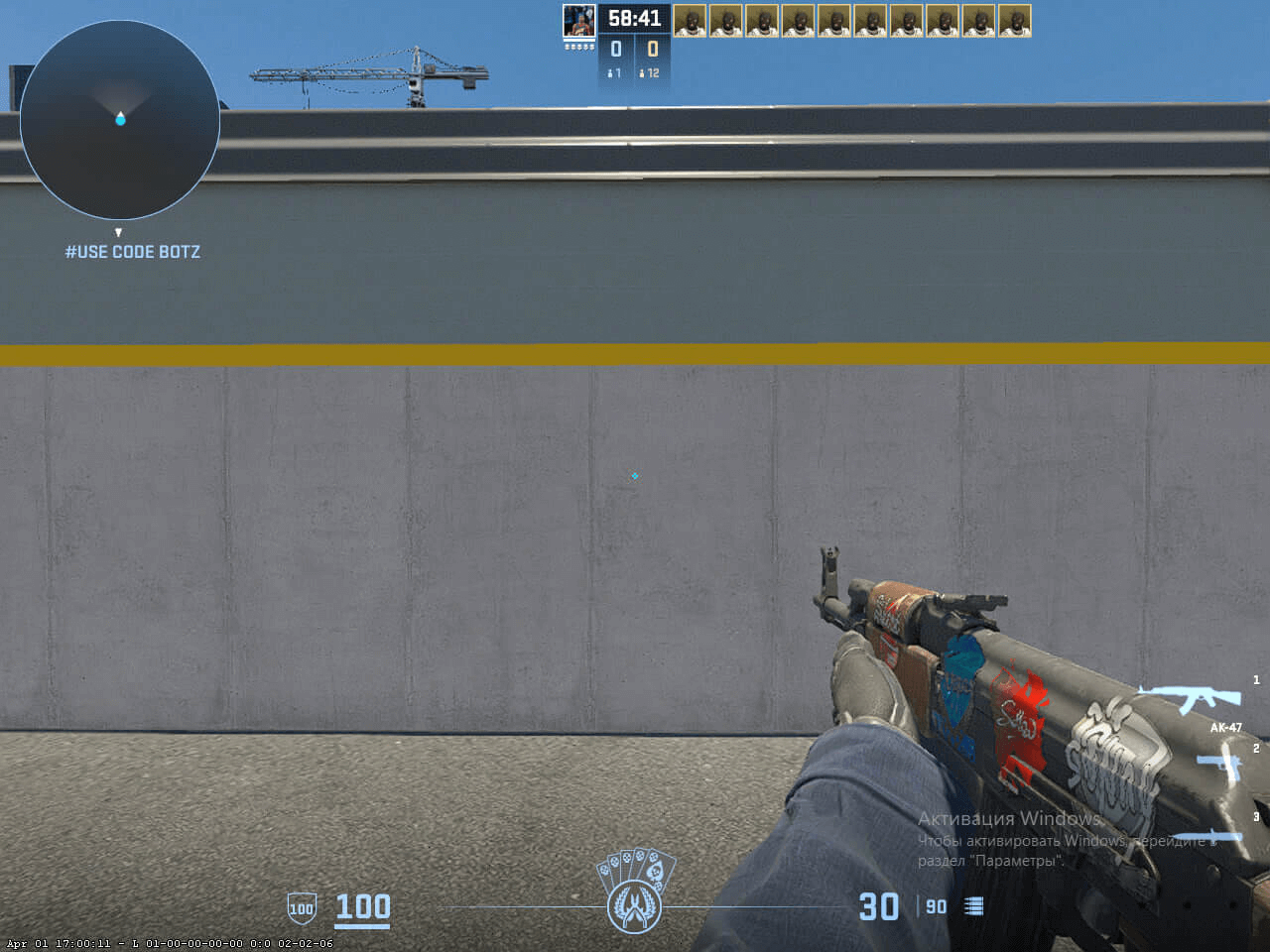
ZywOo CS2 cyan crosshair suits those players who like to play on bright screen settings. But in general, it is quite versatile, so you can safely try it in any setting. If you want to explore other options, check out our guide for the best CS2 crosshair codes here.
ZywOo Video Settings for CS2
Overall, ZywOo has very common video settings, as many other esports players do. But most of his settings are on high, including Shadows and Model Detail. ZywOo resolution is also very popular among other players: 4:3 stretched with 1024x768.
- Boost Players Contrast: Enabled
- Model/Texture Detail: High
- Shader Detail: High
- Particle Detail: Low
- Texture Filtering: Anisotropic 4x
- Anti-Aliasing: 4x MSAA
- Shadow Quality: High
- Dynamic Shadows: All
- Ambient Occlusion: Medium
- High Dynamic Range: Quality
- FidelityFX Super Resolution: Disabled (Highest Quality)
- V-Sync: Disabled
- NVIDIA Reflex Low Latency: Enabled
- NVIDIA G-Sync: Disabled
- Resolution: 1280*960
- Aspect Ratio: 4:3 stretched
- Mode: Fullscreen
- Scaling Mode: Stretched
- Brightness: 93%
ZywOo Monitor Settings for CS2
ZywOo currently uses a BenQ Zowie XL2546K monitor. It’s a popular 240hz monitor with DyAc+ technology. The ZywOo video settings will fit a lot of players, so don’t hesitate to try it.
Here you can find ZywOo monitor settings:
- DyAc: Premium
- Black eQualizer: 12
- Color Vibrance: 20
- Low Blue Light: 0
- Picture Mode: FPS 1
- Brightness: 75
- Contrast: 51
- Sharpness: 10
- Gamma: Gamma 3
- Color Temperature: User Define
- Red: 100
- Green: 100
- Blue: 100
- AMA: Premium
ZywOo Viewmodel Settings for CS2
ZywOo viewmodel settings are similar to those of many other CS2 pro players. It has a horizontal offset of 2.5 and a vertical offset of -1.5. These settings make aiming and shooting convenient and ensure that the weapon model doesn’t obstruct too much of a field of view.
- viewmodel_fov 68
- viewmodel_offset_x 2.5
- viewmodel_offset_y 0
- viewmodel_offset_z -1.5
- viewmodel_presetpos 2
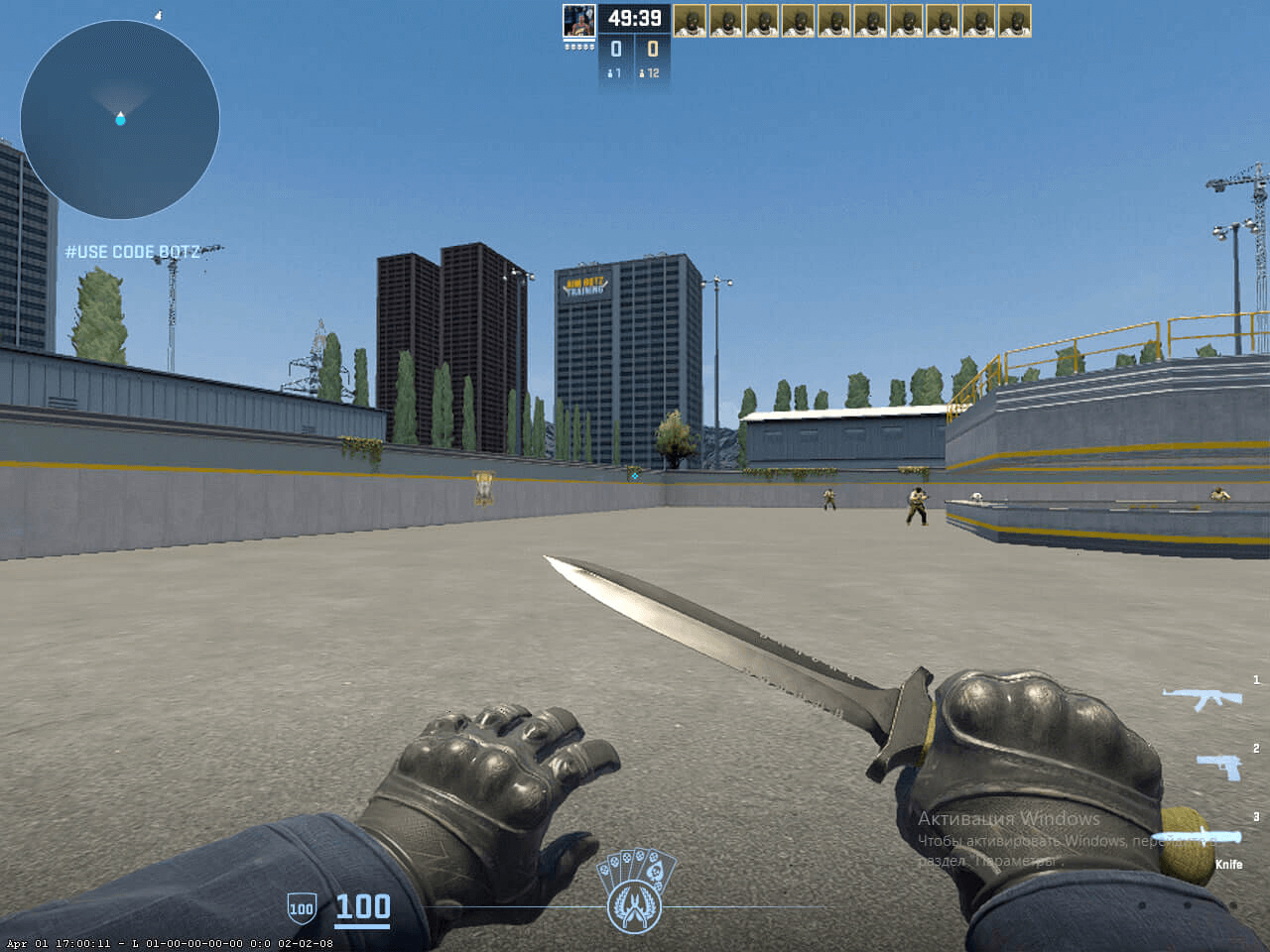
It’s also useful to learn how viewmodel settings work to adjust it to your preference.
ZywOo Launch Options for CS2
ZywOo has the next launch options for CS2:
- -novid -tickrate 128 -allow_third_party_software
The “-novid” command removes the splash screen, tickrate 128 put this parameter on all servers, and the last one allows recording your CS2 games trough OBS, for an example.
If you’re looking for the best CS2 launch options, check out our guide.
ZywOo Radar Settings for CS2
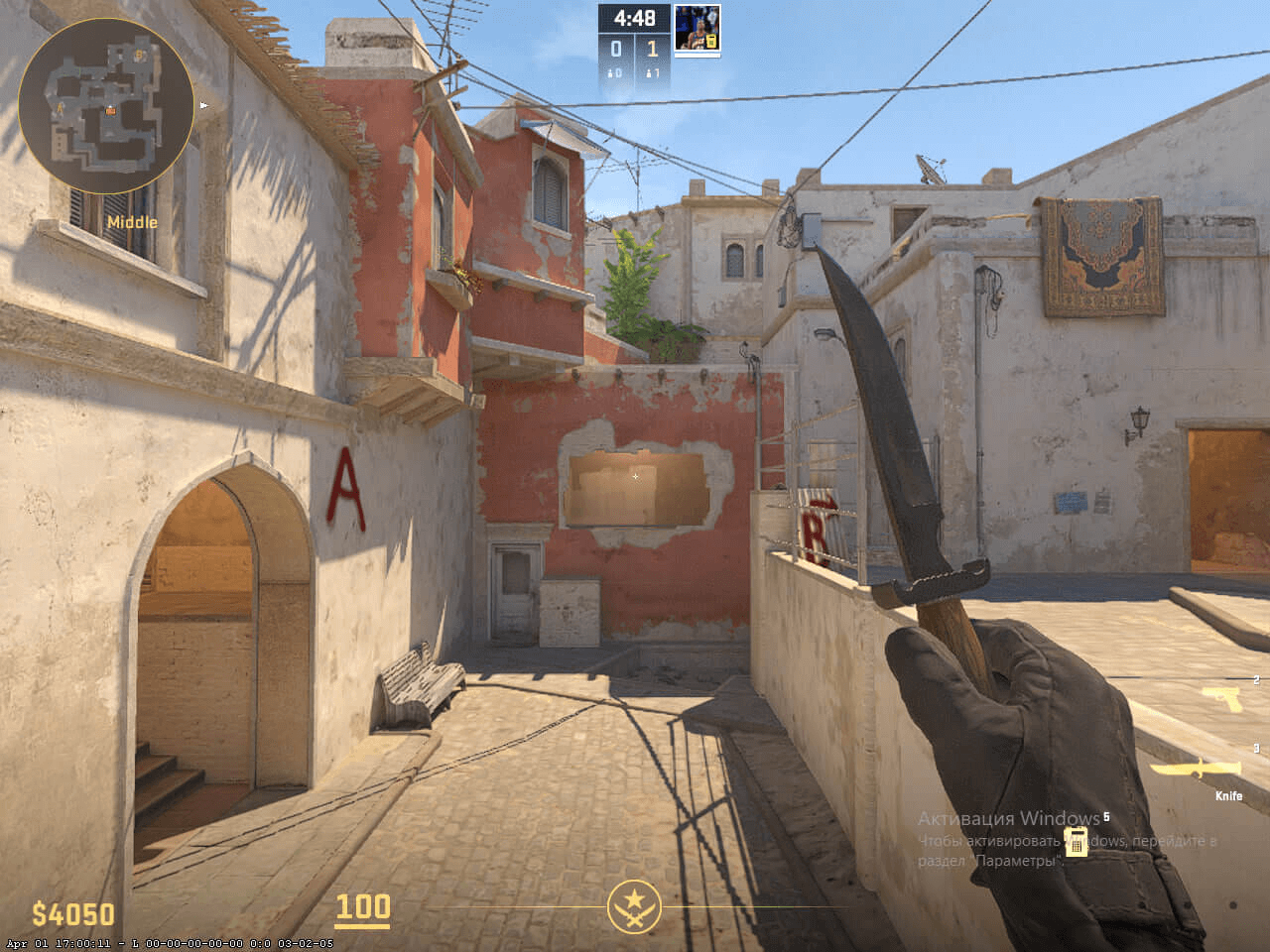
The ZywOo’s radar no centers the player but rotates at the same time. Use the following settings to try out for yourself, what playing with the ZywOo radar settings feels like.
- Radar Centers The Player: Yes
- Radar is Rotating: Yes
- Toggle Shape With Scoreboard: Yes
- Radar Hud Size: 0.8
- Map Zoom: 0.4
ZywOo Audio Settings for CS2
ZywOo's audio settings in CS2 are fine-tuned for maximum clarity and positional awareness. He likely uses stereo headphones with low reverb and boosted high frequencies to hear footsteps and gunshots.
- Master Volume: 100%
- Audio Device: Default
- EQ Profile: Natural
- L/R Isolation: 0%
- Perspective Correction: Yes
- Play Audio When Game in Background: No
- Main Menu Volume: 20%
- Round Start Volume: 0%
- Round Action Volume: 0%
- Round End Volume: 40%
- MVP Volume: 40%
- Bomb/Hostage Volume: 20%
- Ten Second Warning Volume: 20%
- Death Camera Volume: 40%
- Mute MVP Music when players on both teams are alive: No
ZywOo CS2 Skins
Like many top pro players, ZywOo has an incredible and cool inventory. Among the most expensive items are M9 Bayonet | Doppler Ruby (Factory New), AWP | Gungnir (Minimal Wear), and AK-47 | Gold Arabesque (Factory New). Among other great skins:
- M4A1-S | Printstream (Factory New)
- Glock-18 | Fade (Factory New)
- USP-S | Kill Confirmed (Factory New)
- Specialist Gloves | Crimson Web (Minimal Wear)
- StatTrak Desert Eagle | Code Red (Minimal Wear)
Since Team Vitality and Skin.Land became official partners, the CS players of French club use our website as a main platform to buy skins. Here you will find a wide selection of skins from pro players collections, available for you to buy quickly, securely, and for an affordable price.







Write comment